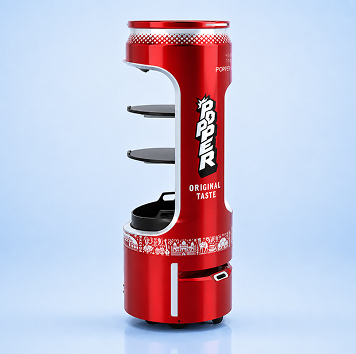
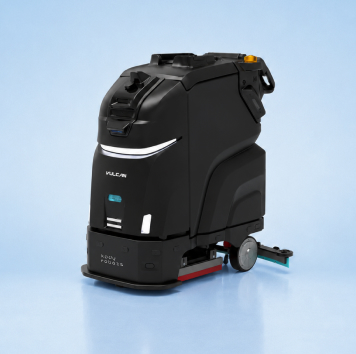
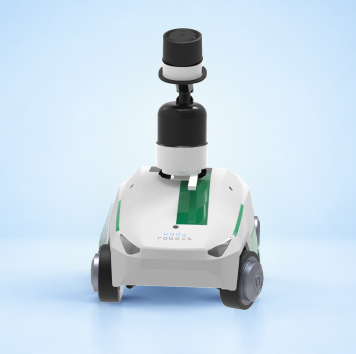
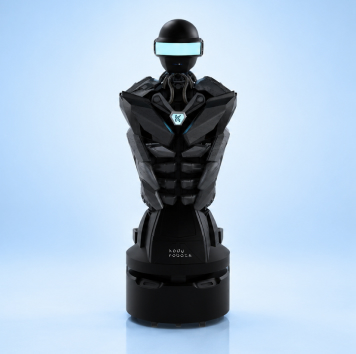


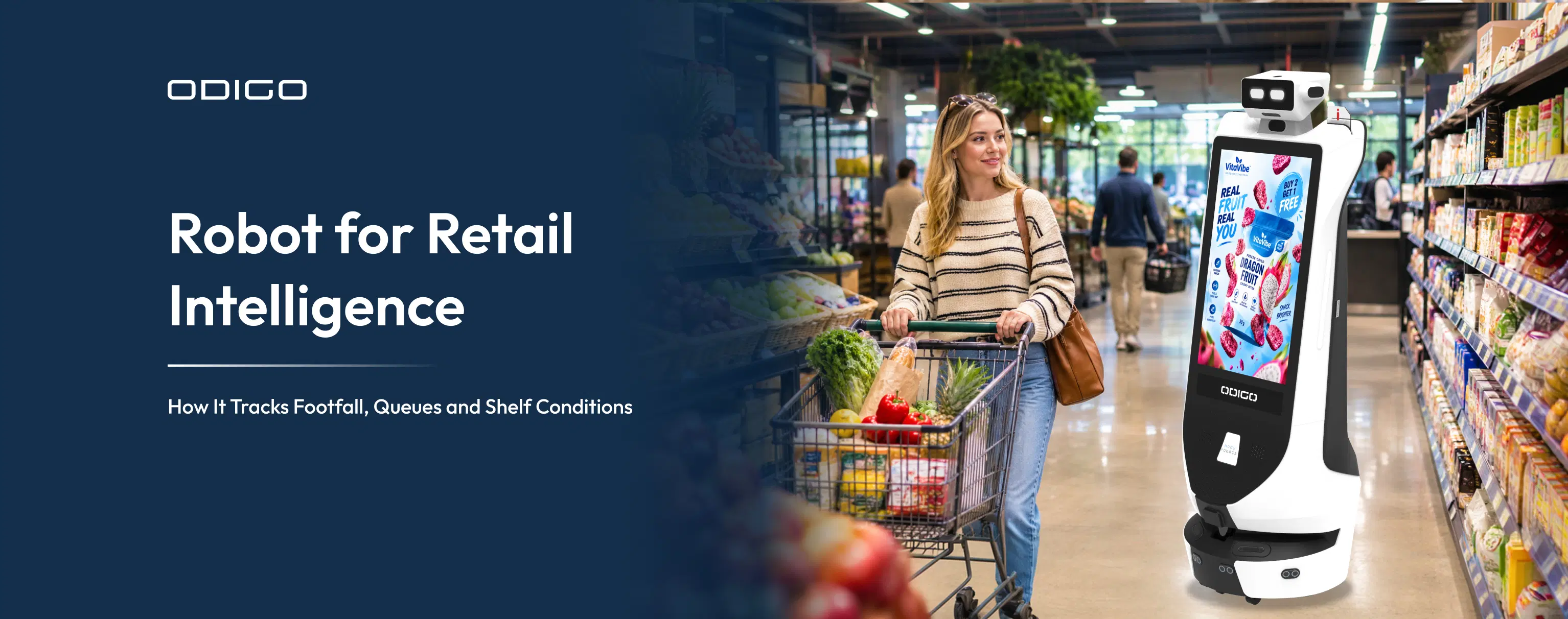

Quick Summary: A retail intelligence robot patrols the sales floor and reports what store systems miss: where shoppers move, where checkout lines build, and which shelves need attention. Below, we explain how each signal works, where its limits sit, and how Odigo combines floor intelligence with shopper assistance on one autonomous platform.
Key Takeaways
- Footfall, dwell time and zone-to-zone movement show where shoppers spend time and which aisles they skip, providing context a POS report cannot give.
- Queue depth and waiting time are different measurements, and knowing how many people stand in line is what tells a manager to open a lane.
- Computer vision can flag empty facings, misplaced products, wrong SKUs and missing labels across scoped aisles, so associates walk straight to exceptions.
- An empty shelf doesn’t prove a product is out of stock; inventory integration can help determine whether stock is available elsewhere in the store or still in the supply chain.
- Alerts pay off only when someone owns the response, so assign every signal an owner before deployment.
- Odigo combines retail intelligence with concierge, physical escort and in-store media on one platform, managed centrally across sites.
What Happens Between the Aisle and the Receipt
Every supermarket manager knows the Friday-evening rush. Two checkout lines stretch past the endcaps, a best-selling cereal shows robots on hand while its shelf sits bare, and a new seasonal display draws almost nobody. A retail intelligence robot exists for exactly that blind spot.
The manager usually hears about each problem late: a complaint at the service desk, an associate’s radio call, a sales report on Monday morning. By then, some shoppers have already left without the product they came for, and the cost compounds quietly. Coresight Research’s State of In-Store Retailing 2026 study puts in-store inefficiencies at 6.4% of gross sales, or $196.4 billion across key US retail sectors. (Source: Coresight)
An autonomous robot patrolling the floor can catch these conditions as they develop and route them to the people who fix them. Below, we explain how these systems track footfall, queues and shelf conditions, what the technology can and can’t identify, and what your team should evaluate before putting one on the floor.
Why Do Supermarkets Struggle to See What’s Happening on Their Own Floor?
Most store data arrives after the fact. A POS report tells a category manager what sold on Tuesday. The report says nothing about the shopper who walked aisle seven, found an empty facing and left with a competitor’s brand, or the family that abandoned a full cart when the front end backed up.
Four gaps repeat across large-format stores:
Delayed visibility
Transaction data describes the purchase, not the path, pause or walkout before it.
Periodic inspection
Associates audit shelves on a schedule, and conditions change between walks.
Fragmented signals
Foot traffic, shelf availability and checkout congestion sit in separate systems, or in no system at all.
Reactive response
Problems surface only when a shopper complains or an associate happens to notice.
Autonomous robots in stores take a different route to visibility. Instead of wiring every aisle with fixed hardware, one mobile robot carries its sensors through the store on a planned patrol. The category has also grown well past shelf scanning. Deployments of robot assistants in retail industry settings now answer shopper questions, escort visitors to products and run in-store media.
You can read our blog on how advertising robot boost sales to get insight on the commercial side. Retail intelligence sits underneath all of it: the floor data a mobile robot gathers while doing its other jobs. It offers transparency and analytics you can act upon to improve retail operations.
What Is a Retail Intelligence Robot and How Does It Work?
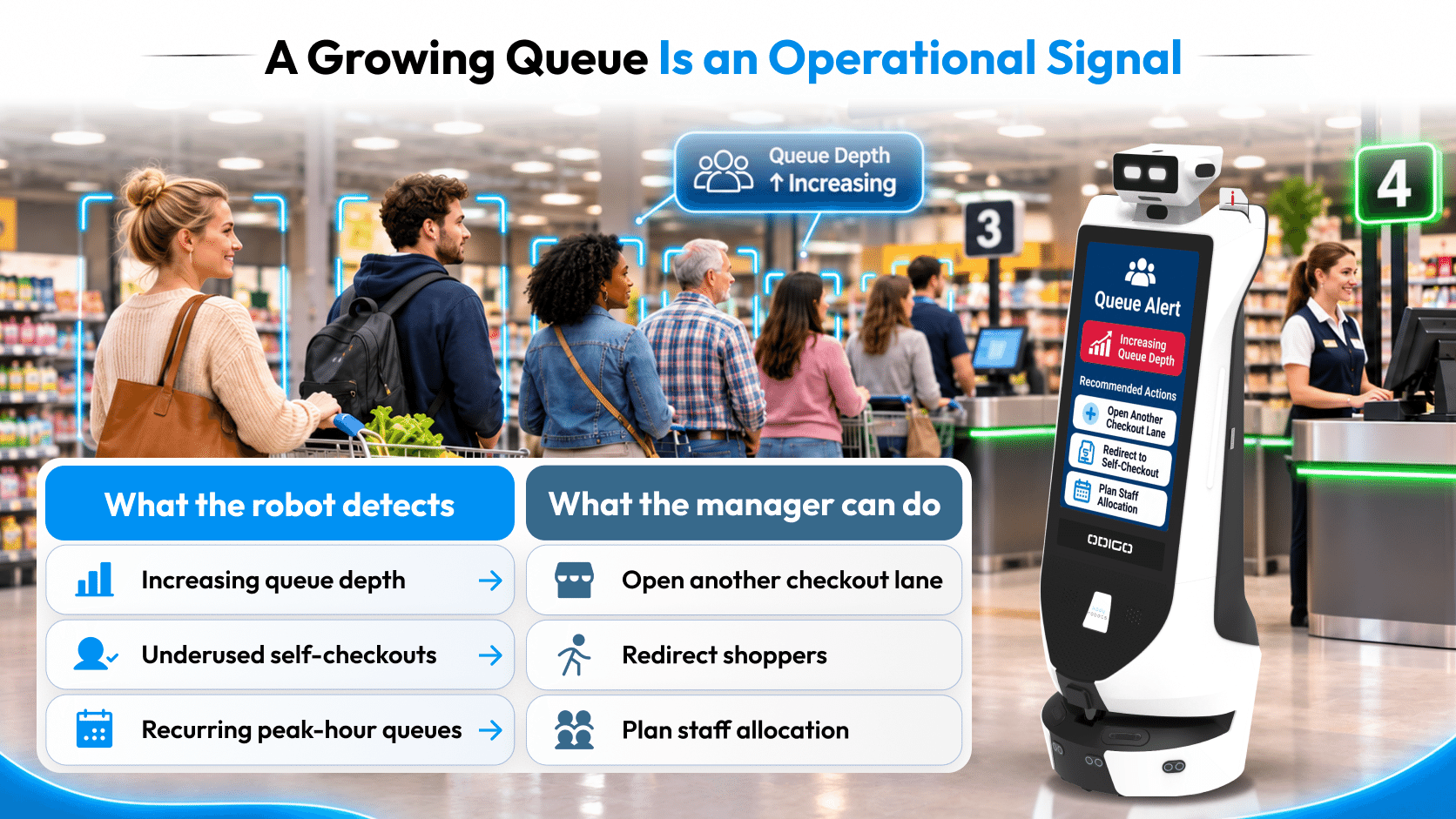
An AI robot for retail intelligence is an autonomous mobile system that moves through mapped store zones, collects configured observations, and turns them into alerts and reports store teams can act on.
The workflow runs in five stages:
- The robot follows a mapped route through the sales floor, avoiding shoppers, carts and restricted areas.
- Cameras and depth sensors capture the shelves, aisles and counters in view.
- Computer vision models compare what they see against what should be there: a stocked facing, a correct label, a clear aisle.
- The platform groups findings into an exception stream, analytics and reports.
- Associates and managers review the findings and decide what to do.
The fifth stage matters most. Detection without a response process simply produces a longer to-do list.
Two designs share this space. A dedicated shelf-scanning robot concentrates on inventory visibility: facings, prices and planogram compliance. A broader smart retail robot adds a customer-facing layer, answering questions, guiding shoppers and running media, and gathers floor intelligence from both its patrols and its conversations. Neither design identifies every product or every person automatically. Each capability depends on configuration: which aisles, which categories and which zones the deployment covers.
How Does a Robot for Retail Intelligence Track Footfall, Dwell Time and Movement Patterns?
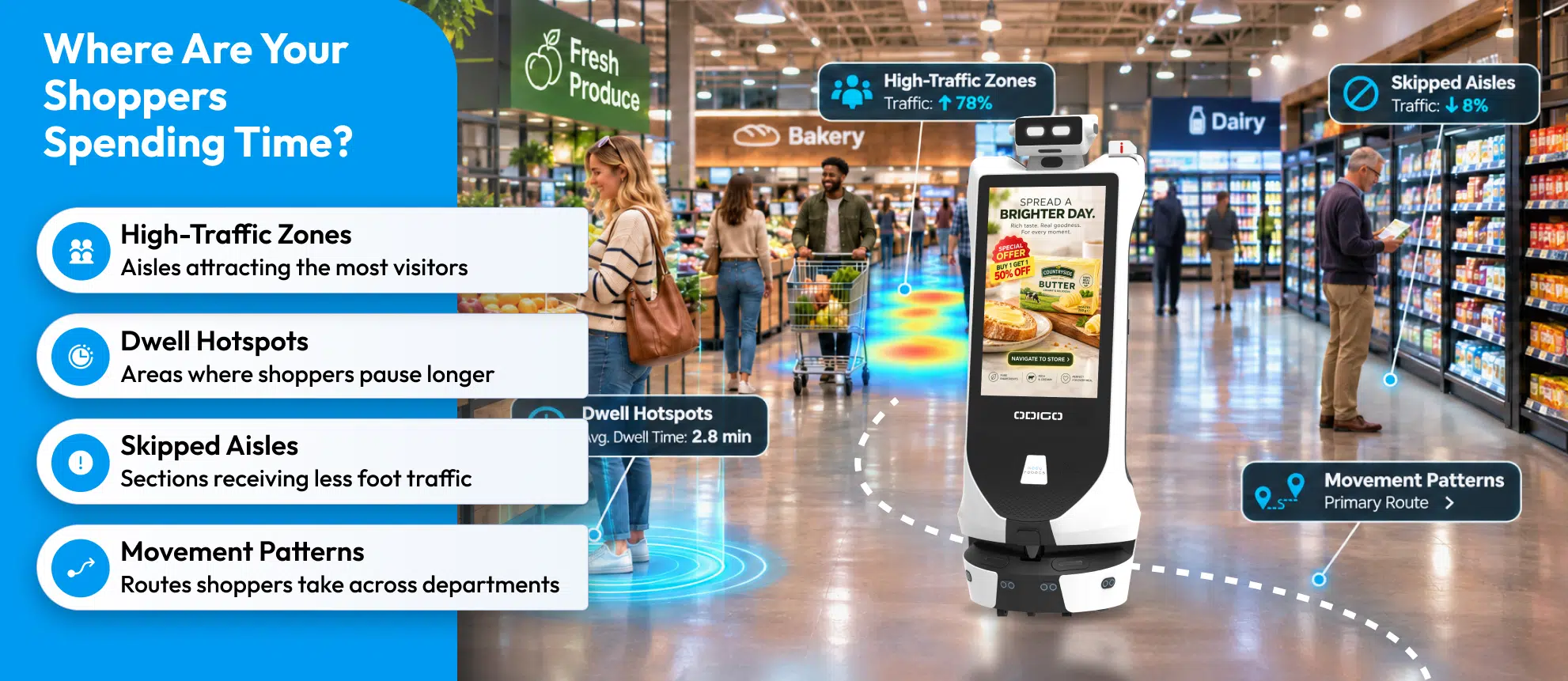
Footfall measures how many visitors pass through a defined zone. Dwell time measures how long they stay. Movement patterns show the routes between zones: which departments shoppers visit in sequence, which aisles they skip and where traffic thins out.
A mobile robot gathers these observations passively as it patrols, without any shopper touching a screen.
Over weeks, the data builds a working picture of the floor:
- Zone traffic – Which departments draw steady traffic, which peak at certain hours and which stay quiet.
- Dwell hotspots – Where shoppers slow down, compare products or stop entirely.
- Zone-to-zone flow – Whether shoppers entering through produce reach center store, or circle the perimeter and head straight to checkout.
Merchandising teams use the data to check whether a paid endcap sits in a lane shoppers actually walk. Operations managers place associates where traffic concentrates at each daypart. Store planners compare movement before and after a reset.
Precision matters here, though. Patrol-based analytics describe aggregate traffic in the zones a robot covers. Footfall data doesn’t follow every individual shopper, attach demographics to people or prove that a visit to an aisle led to a purchase. Treat footfall and dwell as context for decisions, not as conversion data.
Queue Depth vs Waiting Time: How Do Robots Spot Checkout Congestion?
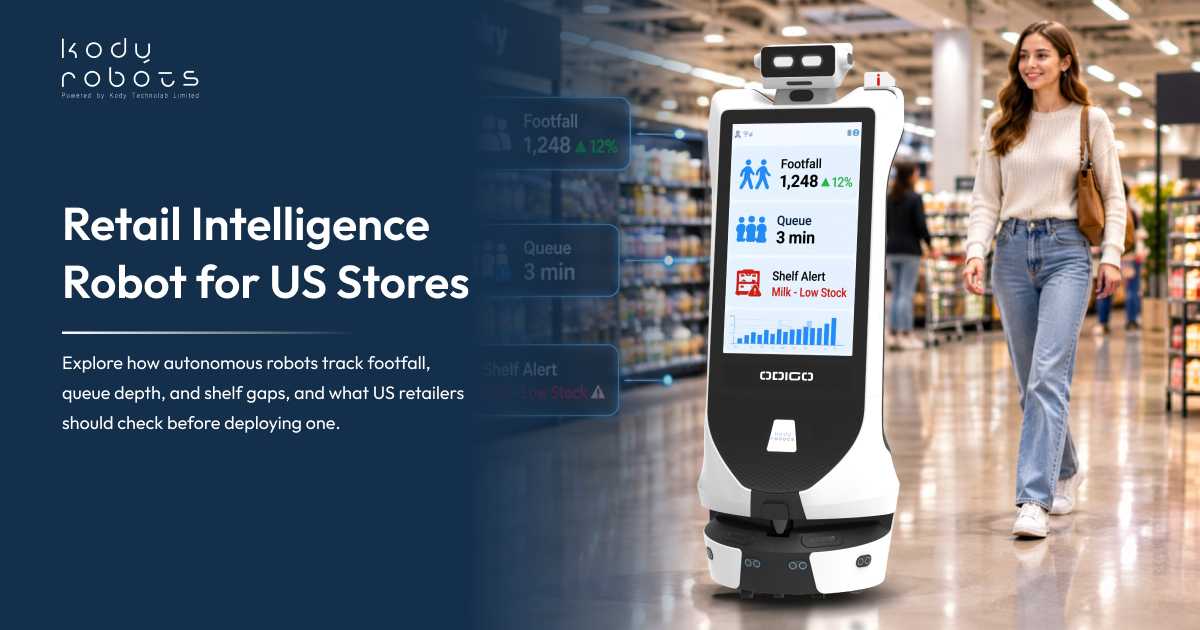
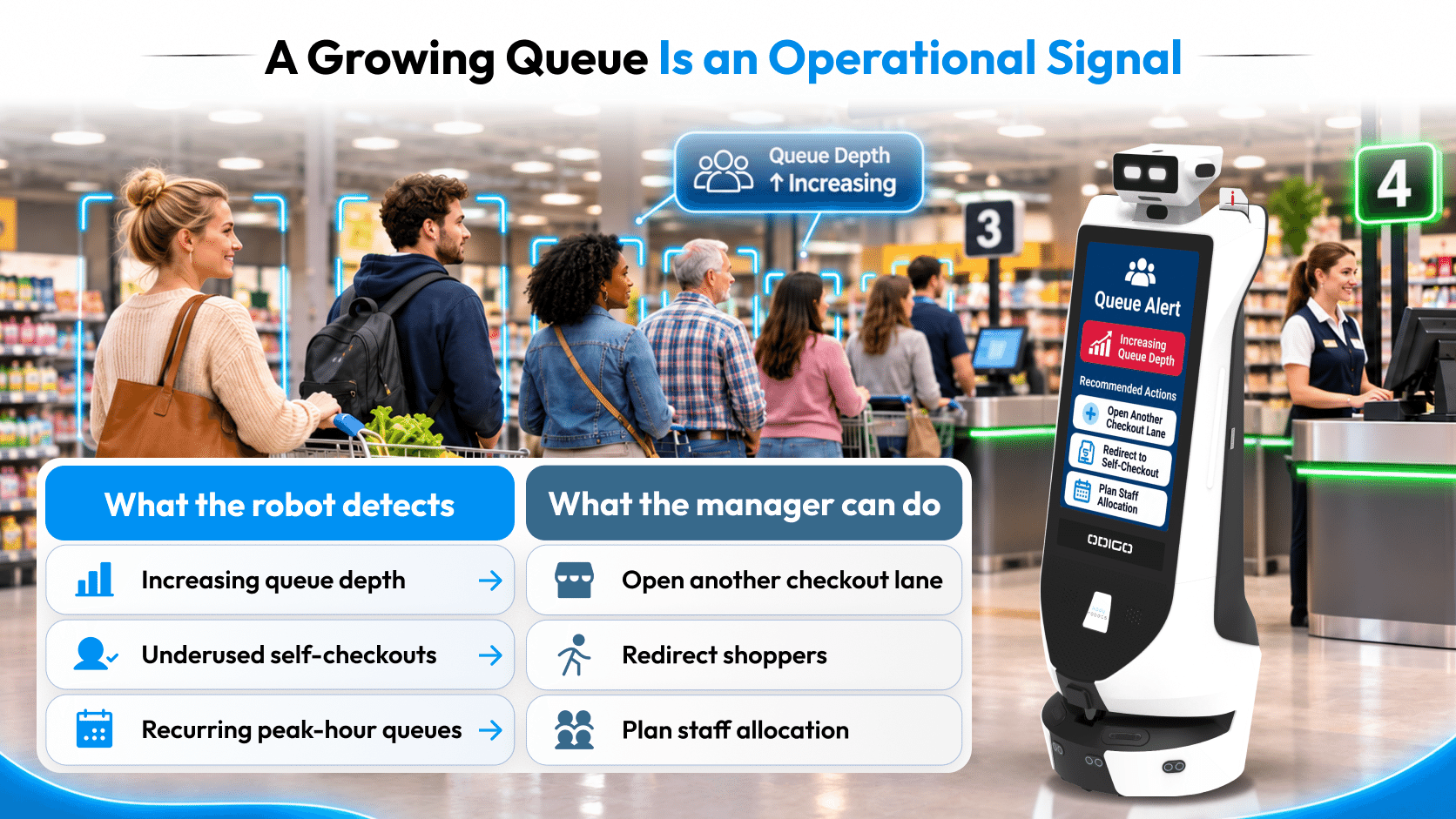
Queue-depth detection counts how many people stand in a configured queue area, such as a checkout bank or a pharmacy counter, and signals a manager when the line grows.
Queue depth and waiting time measure different things. Six shoppers with baskets might clear in four minutes, while three shoppers with overflowing carts and a price check take longer. Depth tells a manager congestion is building. Actual wait time depends on transaction speed, cashier pace and payment type, and measuring wait time per shopper requires tracking each person from joining the line to leaving it.
For most front-end decisions, depth is the more useful trigger. Picture a supermarket between 5 PM and 7 PM. The manager receives a signal that lines at checkouts three and four are growing while self-checkout sits half empty. She can open another lane, send a floater to bag or steer shoppers toward self-checkout.
Two boundaries apply. A robot spotting a long line doesn’t open a register; staffing and the manager’s judgment still decide the response. And queue data works best alongside labor schedules. If the same lines build every Friday at 5:30, the pattern belongs in next week’s schedule, not only tonight’s alert.
How Do Robots Identify Empty Shelves and Incorrect Product Placement?
Shelf intelligence is where computer vision does its heaviest work. As a robot passes a configured aisle, its cameras capture the shelf face and vision models check for five kinds of exception:
- Out-of-stocks – Empty facings or gaps where a product should sit.
- Misplaced products – Items outside their expected shelf or section, such as pasta sauce left in the snack aisle.
- Wrong SKUs – A similar product, often a different size or flavor, sitting in another SKU’s slot.
- Incorrect facings – Fewer facings than the planogram calls for.
- Missing labels – Absent price tags or promotional signage, which undercut a promotion the day it launches.
The value lies in exception-based reporting. Instead of asking associates to audit every bay, the system lists the specific shelves that need attention, so the team spends its hours fixing problems rather than hunting for them.
One distinction prevents expensive mistakes. An empty shelf signals a shelf availability problem, which isn’t the same as an inventory problem. The product might sit in the back room, on a delivery truck or at a store two miles away. Only a connection to the inventory or POS system confirms which. Without that link, a shelf alert tells an associate where to look. With it, the alert tells the associate whether to restock, wait for a delivery or flag a phantom inventory record.
Shelf detection also needs groundwork. Retailers define which aisles and categories to monitor, supply product reference data and allow time for calibration to each store’s fixtures and lighting. Skipping that step produces alerts nobody trusts, and untrusted alerts get ignored.
How Does Odigo Combine Retail Intelligence With Shopper Assistance?
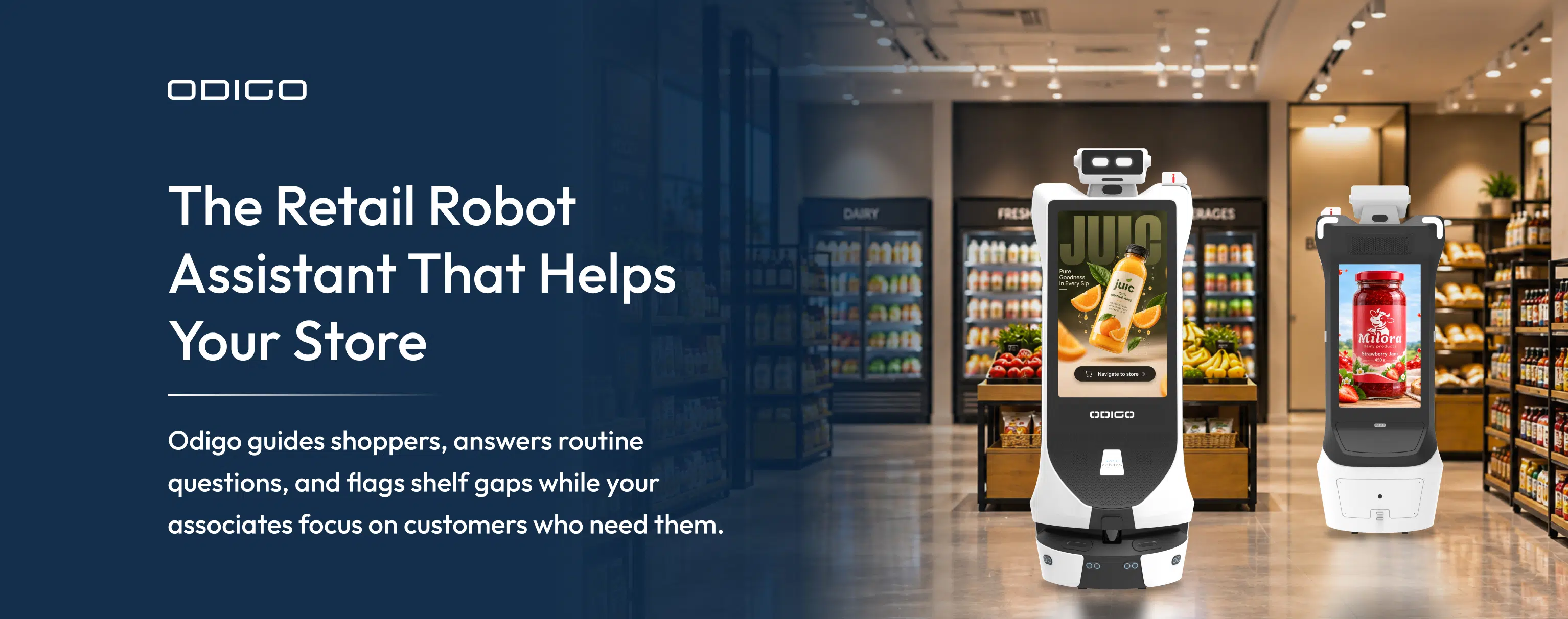
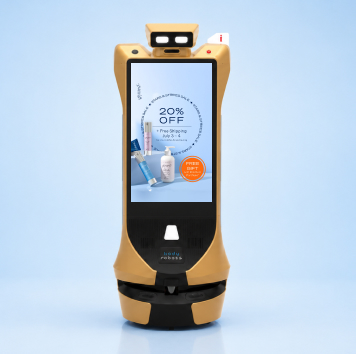
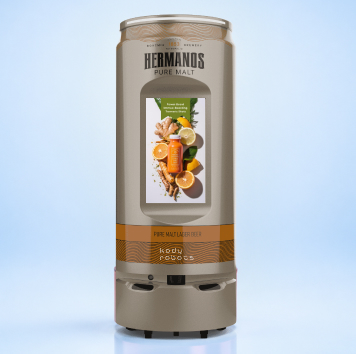
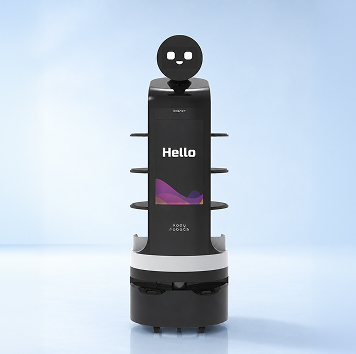
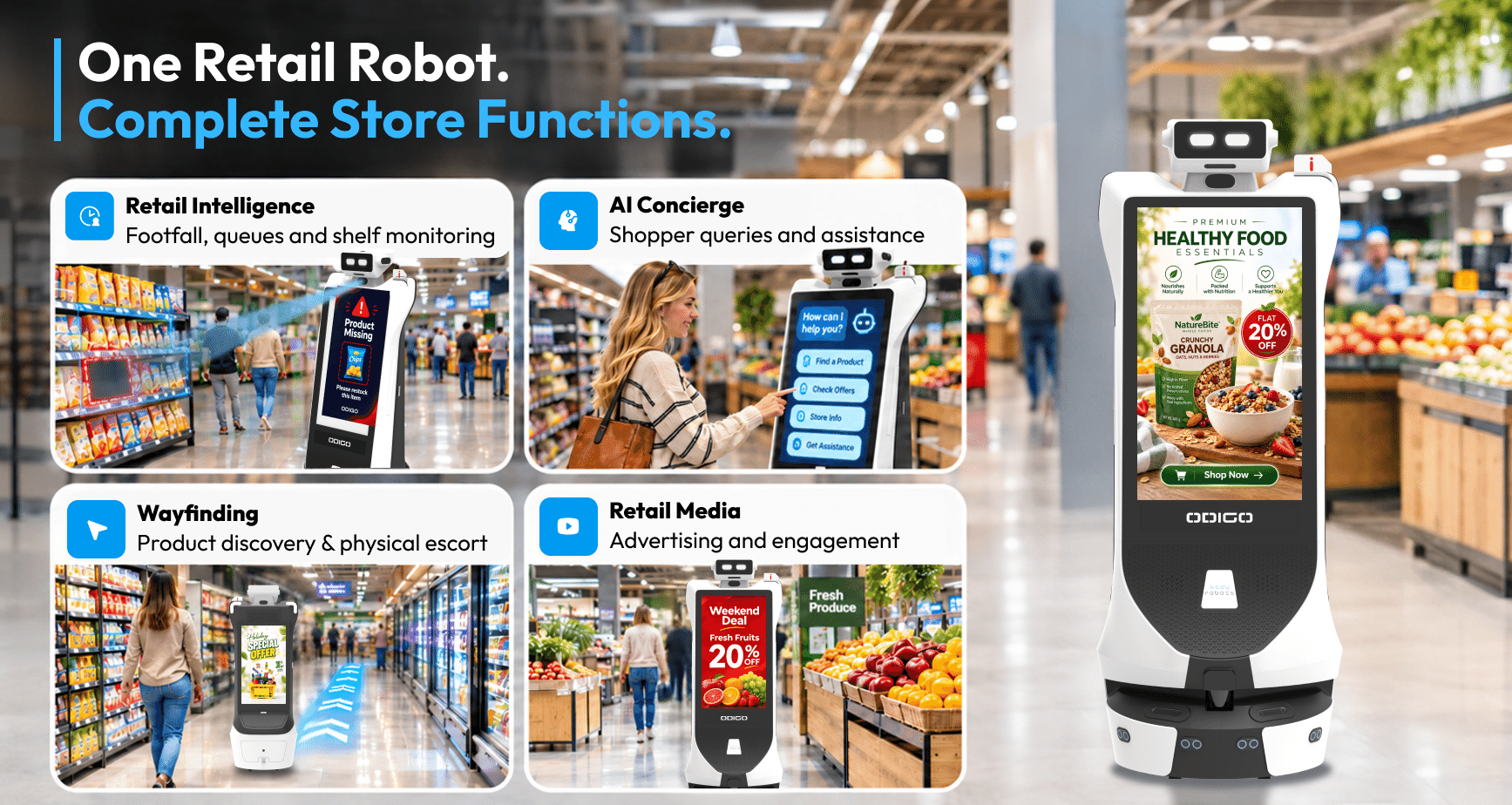
Odigo, built by Kody Robots, isn’t a dedicated shelf scanner. Odigo is an autonomous service and advertising robot that gathers retail intelligence while it helps shoppers, runs in-store media and patrols the floor. Five customer-facing features work together.
AI Concierge: Odigo Takes the Routine Question
Odigo greets shoppers on approach and answers by voice or touch in multiple languages, detecting the spoken language automatically, with no app or sign-in. Shoppers ask about opening hours, returns, stock availability and aisle locations. When a question needs a person, Odigo raises an Instant Help Ticket with the issue, zone and timestamp, routed to WhatsApp, email or an existing ticketing tool*. Where a service desk runs a queue or token system, Odigo can display wait times*. Associates stay free for the conversations that need their expertise, and every routine question becomes a signal about where signage or stock falls short.
Wayfinding & Escort: Odigo Walks Shoppers to the Shelf
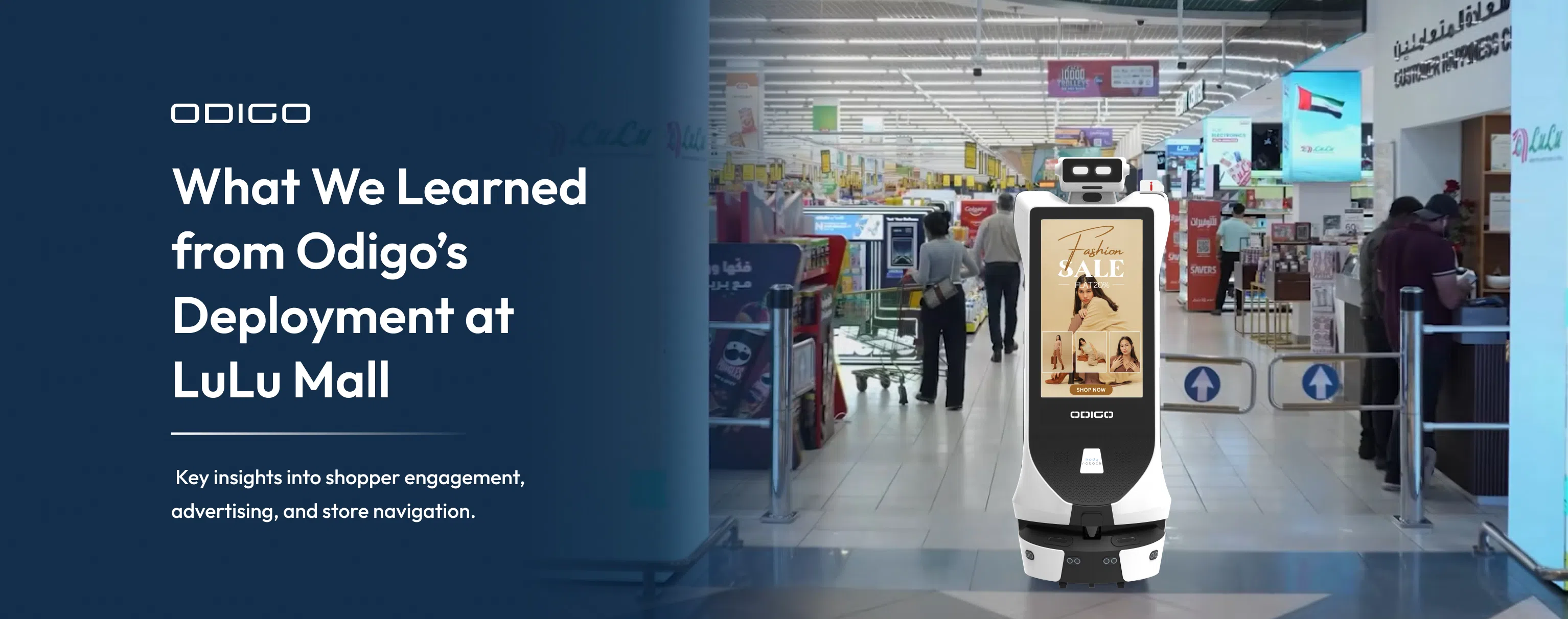
Odigo doesn’t point; Odigo leads the shopper to the destination across mapped zones. Shoppers can submit a whole list by voice, text or photo and follow an optimized route with chilled, frozen and heavy items placed last*. Navigation requests double as demand data. At LuLu Mall Thiruvananthapuram, five Odigo robots logged 6,050 navigation requests over 61 days in June and July 2026, and LuLu Hypermarket alone drew 2,541 of them, or 42%. Weekend floor-days averaged 476.1 interactions against 171.3 on weekdays. Our Robot in Lulu Mall Case Study covers the full deployment.
Advertising & Media Platform: In-Store Media That Follows Traffic
Dual 32-inch Full HD touchscreens, front and back, carry campaigns during every patrol, scheduled by zone, route and daypart, so a bakery offer plays near the bakery. Proof-of-play logs record what played, where and when, while taps and QR scans add engagement signals a fixed screen can’t produce. Zone traffic data shows where ad inventory reaches the most shoppers, and retail media network integration is available*. The Advertising Robot Business Model explains how retailers structure that revenue.
AI Surveillance & Security: A Separate Pillar Under Customer Control
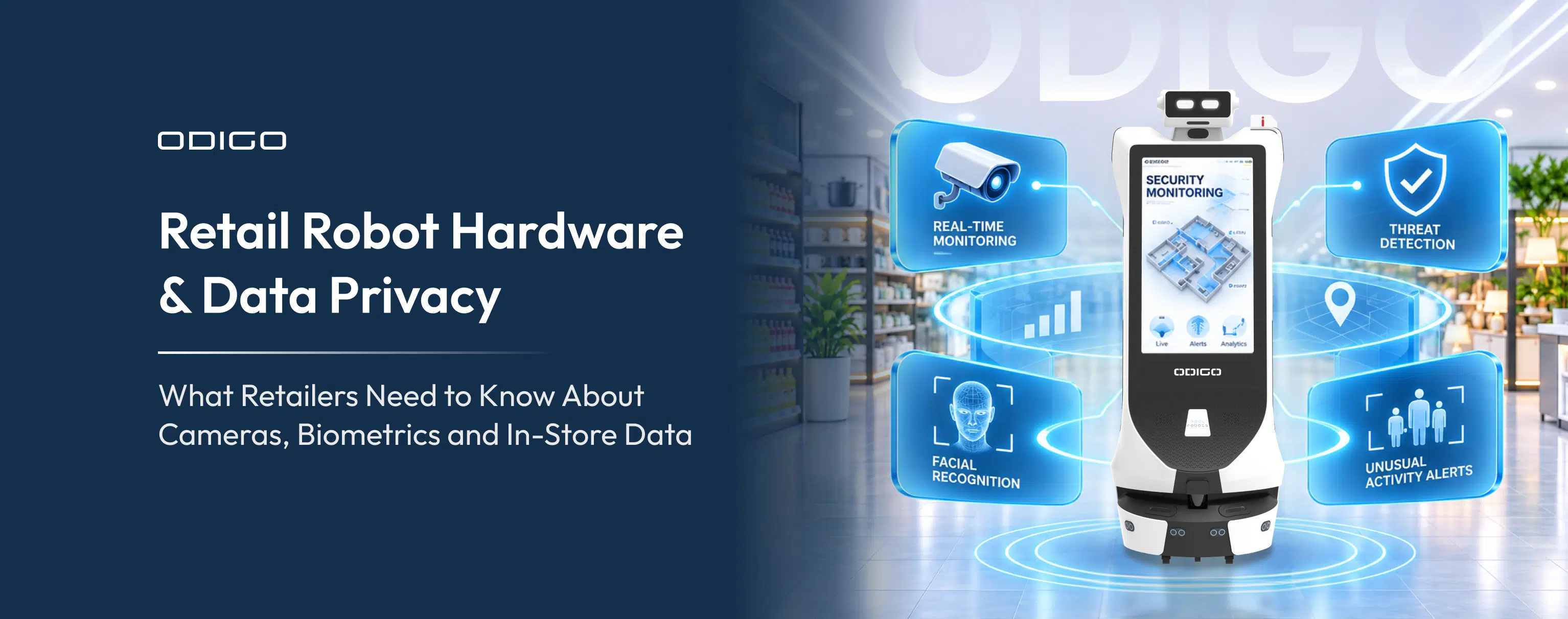
Odigo also offers a security pillar with human detection, facial recognition against an administrator-managed list, unauthorized-access alerts, hazard scanning for spills and blocked exits, and two-way intercom. Security serves a different buyer than retail intelligence, so Kody Robots keeps the two distinct. Retailers switch facial recognition and every detection class on or off per site, set retention windows, control who views recordings and events through granular permissions, and can hold recordings on customer-controlled infrastructure*.
Retail Intelligence: What Makes Retail Robot Beneficial for Your Store
Odigo’s Retail Intelligence feature serves store operations and merchandising teams in two groups.
Shelf and stock: out-of-stock detection across scoped aisles and categories, store-calibrated*; misplaced product detection*; wrong SKU and incorrect facing indicators*; promotional and price label presence checks*; and real-time shelf intelligence combining all of them into one exception-alert stream*.
Floor and traffic: passive footfall and dwell analytics captured across all patrol activity, independent of visitor interaction; zone traffic and demand hotspot mapping; queue-depth detection at checkout and service counters, signaling a manager to open a lane; high-intent zone identification and route performance analysis; top searches by time of day and day of week; and insights from AI assistant chat transcripts and submitted reports.
Cross-referencing these signals is what separates a retail insights robot from a camera on wheels. If shoppers search for oat milk every evening while dairy traffic stays low, signage or placement may be the issue rather than demand. If a busy zone shows an empty facing just as the front end backs up, a manager can rank both exceptions and assign the nearest associate.
What Keeps Odigo Reliable on a Live Store Floor?
Four platform features support everything above. Kody Robots builds the hardware, navigation stack and software in-house, so one team answers for every layer.
Autonomous Navigation Platform
An autonomous retail intelligence robot has to move through Saturday crowds without becoming an obstacle. Odigo combines laser and visual SLAM navigation, a 2D LiDAR scanning 270 degrees at up to 25 meters, depth cameras, ultrasonic sensing for low and reflective obstacles, and anti-fall sensing. In crowds, Odigo slows and reroutes rather than stopping dead. Virtual walls keep Odigo out of stockrooms and receiving areas, speed is configurable between 0.1 and 1.0 meters per second, and autonomous docking supports 10+ hours of operation per charge, usage dependent. Odigo requires flat, solid indoor floors, not carpet, slopes or outdoor surfaces.
Central Command & Fleet Management
One dashboard governs maps, routes, content, users and detection settings across a multi-site hierarchy, with over-the-air updates and role-based permissions.
Analytics & Reporting
Interactions, item searches, completed versus failed navigations, peak usage windows, ad plays, uptime, patrol consistency, help tickets by zone and repeat issue hotspots, all filterable and exportable. Every metric comes from Odigo’s own logs and needs nothing from the retailer’s systems.
Integration & Custom Development
Inventory and POS integration for stock, price and promotion lookup*, retail media integration*, ticketing and staff channels*, and API or file-feed integration*, each built to the engagement scope and the retailer’s IT policy.
* Capabilities marked with an asterisk require integration with the customer’s existing systems, or configuration during deployment, and are scoped as part of the implementation. Availability of individual detection, recognition and data-capture functions is configurable per site and is set in line with customer policy and applicable local requirements.
How Does Robotic Monitoring Compare With Cameras, Sensors and Manual Audits?
| Approach | What it provides | Main limitation |
| Manual shelf audits | Associate-observed shelf conditions | Periodic and labor-heavy |
| Fixed camera analytics | Views from installed positions | Coverage stops where cameras stop |
| Shelf sensors | Monitoring at instrumented shelves | Hardware at every monitored location |
| POS and inventory systems | Transactions and stock records | Can’t describe physical floor conditions |
| Shelf-scanning robots | Mobile shelf and inventory exceptions | Usually limited to shelf data |
| Multifunctional robots | Mobile observation plus shopper services | Need careful scoping and integration |
A smart retail intelligence robot complements these tools rather than replacing them. Judge any option on three questions: which parts of the store it actually covers, whether it ranks exceptions for action or just collects data, and whether its output connects to the systems your team already uses. Our Robot Assistant Comparison applies the same lens to specific platforms.
What Should Retailers Evaluate Before Deploying One?
Store suitability – Aisle widths, floor surfaces, peak traffic and the back-of-house zones the robot must avoid.
Intelligence scope – Which aisles and categories need shelf monitoring, which zones need footfall analysis and which counters need queue detection.
Integration readiness – Product reference data for shelf detection, inventory and POS connectivity, and IT approval for network access.
Privacy and governance – Decide what data you collect, whether any of it identifies individuals, how long you keep it and who can see it. Aggregate footfall counting differs from biometric recognition, and states such as Illinois and Texas regulate biometric capture closely, so involve legal review before go-live.
Shopper comfort – A robot that answers questions and walks shoppers to products earns a different welcome than a silent scanner, but signage and clear behavior still matter.
Operational ownership – Name who receives alerts, who verifies shelf exceptions and who decides when to open a lane. A retail intelligence robot pays back only when every signal has an owner.
Success measures – Agree up front how you’ll judge the deployment: fewer unresolved shelf exceptions, faster response to queue alerts or more shopper questions answered without pulling an associate off the floor.
US sites also need a floor plan, network approval, charging access and ADA-compliant clearance before a robot arrives. Our Robot Assistant Deployment Guide walks through each step.
Get Retail Intelligence Robot for Your Retail Floor
POS data tells retailers what shoppers bought. Floor intelligence explains what happened around the purchase: the aisle nobody walked, the facing nobody refilled, the line that grew while two registers sat closed. A retail intelligence robot gathers those observations as it moves, but navigation, configuration, integration and staff follow-through decide whether any of it changes an outcome.
The stores that pull ahead won’t be the ones collecting the most data, but the ones whose teams act on the floor’s signals fastest.
Ready to see how Odigo would cover your store? Talk to the Kody Robots team about a deployment scoped to your floor, your systems and your priorities.
Retail Intelligence Robot – General FAQs
If you have come along so far, here are answers to some genuine doubts asked us about the robot for retail intelligence from the industry leader that might help you.
1: Why do supermarkets deploy robots?
Supermarkets deploy robots to extend what associates can cover: answering shopper questions, guiding visitors to products, monitoring shelves, flagging checkout congestion and running in-store media. Read more about why supermarkets deploy robots.
2: What is the difference between a retail intelligence robot and an inventory robot?
An inventory robot concentrates on shelf and stock data. A broader system adds footfall and dwell analytics, queue-depth detection and insights from shopper interactions, while also serving customers directly.
3: Can a robot for retail intelligence identify out-of-stock products?
Yes, within configured aisles and categories. Computer vision flags empty facings, and inventory integration confirms whether stock exists in the back room or in transit.
4: Can retail robots measure foot traffic without identifying individual shoppers?
Aggregate footfall and dwell analytics count movement through zones rather than recognizing people. Identity-based functions are separate, and retailers should configure them per site in line with applicable privacy law.
5: What are the best advertising robots for US supermarkets?
Compare mobility, screen size, zone-based scheduling, engagement measurement, reporting and integration support. Our guide to the Best advertising robots for US supermarket operators covers each criterion.
6: How does an advertising robot compare with static screens in supermarkets?
Static screens hold one position. Advertising robots move between zones, invite touch and QR interaction, and log proof of play. See our Static Screens vs Advertising Robot in Supermarkets breakdown.
7: Do retail robots replace store associates?
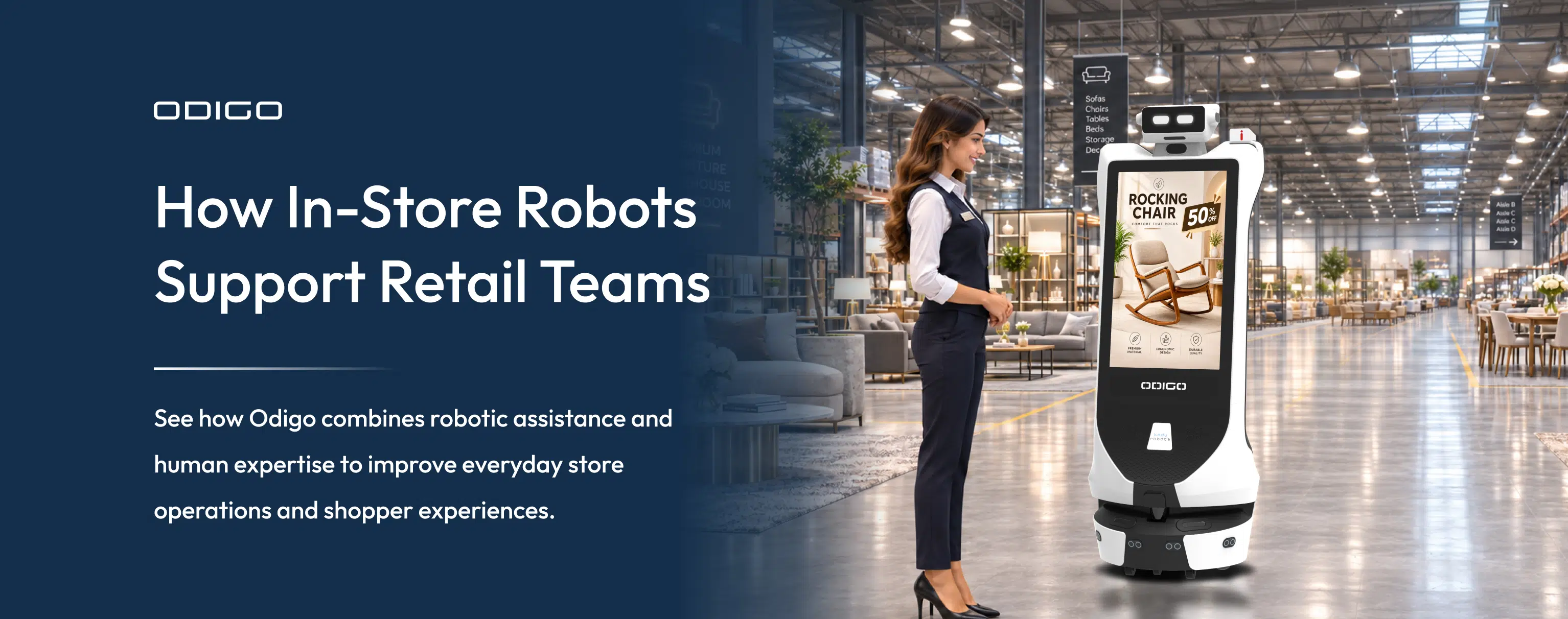
No. Robots take the repeatable rounds, such as shelf checks, routine questions and patrol logging, so associates spend more of each shift on restocking, service and decisions that need human judgment.
8: How much does a robot for retail intelligence cost?
The price depends on your scope: the number of robots and sites, the detection functions you switch on, and the integration your inventory, POS and media systems need. Odigo deployments are scoped per store, so share your floor plan for an accurate quote.
9: What is the best retail intelligence robot?
The best fit depends on what your team needs to see. Shelf-only scanners suit inventory-focused operations. Stores that also want shopper assistance, physical escort and in-store media should compare multifunctional platforms on coverage, alert quality, integration and fleet management.
10: Do retail intelligence systems use humanoid robots?
Retail intelligence work today mostly runs on wheeled autonomous robots, which handle long patrols, crowded aisles and self-docking reliably. Odigo follows that design, pairing a mobile base with dual touchscreens, LiDAR and depth sensing instead of arms or legs.
11: Can retailers buy an autonomous robot for store intelligence?
Commercial models vary by vendor and deployment size. For Odigo, the Kody Robots team recommends a model based on your store count, the capabilities you need and your integration scope.