


Quick Summary: Retail associates play an important role in keeping stores running smoothly, but their day often involves balancing customer assistance with product enquiries, navigation requests, promotional questions, and operational responsibilities. This blog examines how robots in stores like Odigo can support these everyday activities without replacing the human contribution that makes retail experiences valuable. It looks at how robotic assistance can make product information easier to access, support store navigation, communicate promotions, and provide useful retail intelligence. It also explains which responsibilities remain with associates and what retailers should consider before introducing robots into their stores.
Key Takeaways
- Retail associates manage several responsibilities beyond customer service, including merchandising, inventory checks, and responding to routine enquiries.
- Robots in stores can handle specific support tasks, such as guiding shoppers to products, answering configured questions, and sharing promotional information.
- Odigo gives shoppers another way to access product directions and basic information, allowing associates to focus on interactions that need human understanding and expertise.
- Retail robots can support shelf monitoring by identifying out-of-stock products, misplaced items, and other shelf-level issues, depending on configuration.
- Robot-generated interaction and store activity data can help retailers understand popular destinations, frequently requested directions, promotional engagement, and customer demand patterns.
- Robots and retail associates have different but complementary roles. Personal recommendations, complex conversations, and relationship-building continue to depend on people.
- Successful retail robot deployment requires clear use cases, suitable configurations, integration planning, and associate preparation.
- Retailers should evaluate the impact of robots through relevant operational measures rather than assuming that deployment automatically leads to labor savings or increased sales.
The Evolving Retail Floor and the People Behind It
Retail stores are evolving, and technology is creating new ways to improve how shoppers interact with physical spaces. According to Deloitte’s 2025 Retail Industry Outlook, nearly half (47%) of shoppers surveyed agree that digital screens positively impact their in-store grocery shopping experience. This highlights the growing role of technology in making store experiences more engaging and informative. (Source: Deloitte)
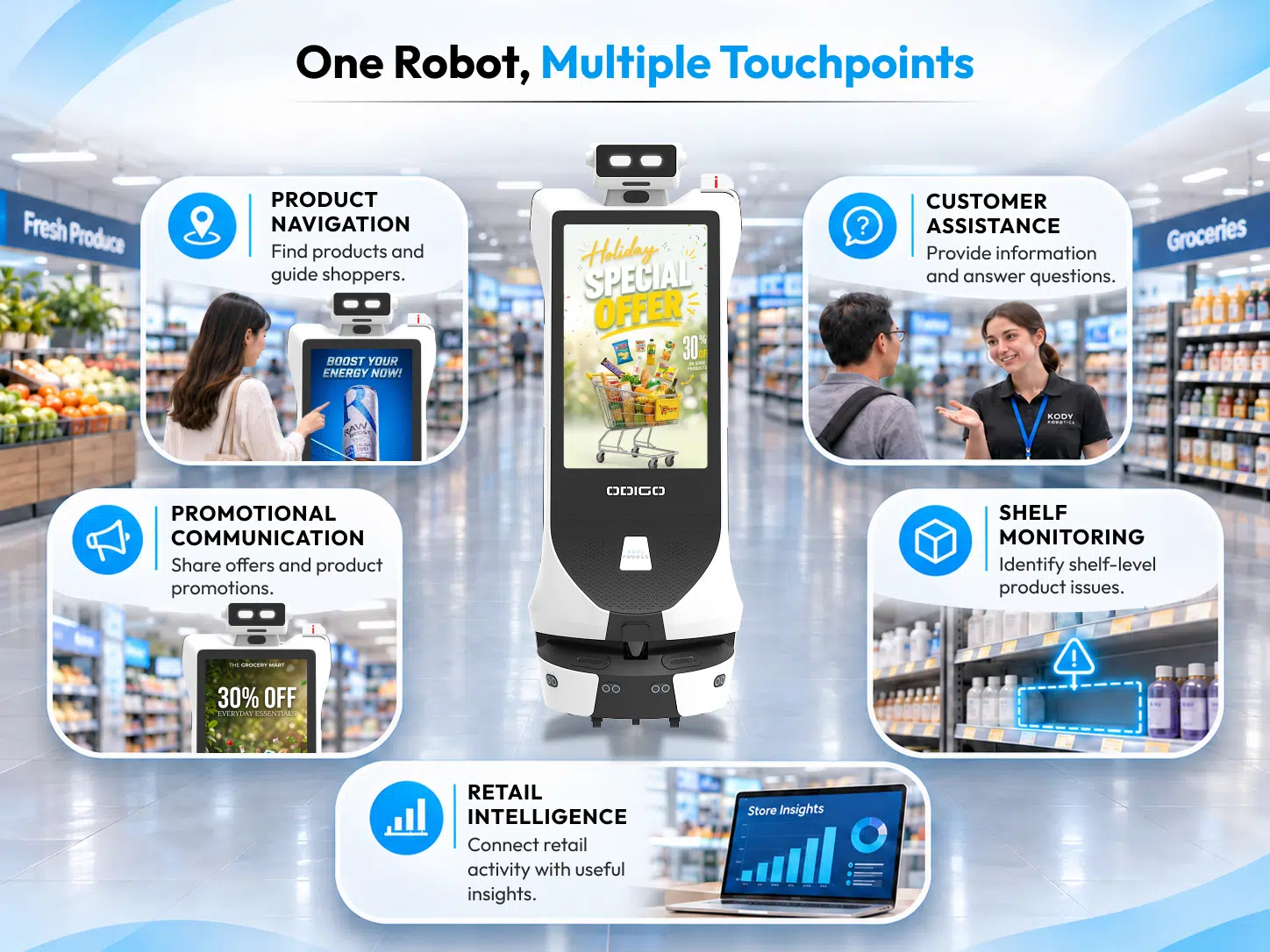
However, a better shopping experience involves more than digital communication. Associates still assist shoppers, explain products, answer questions, and manage everyday store responsibilities. Robots in stores offer another way to support these activities through product navigation, customer assistance, promotional communication, and shelf monitoring.
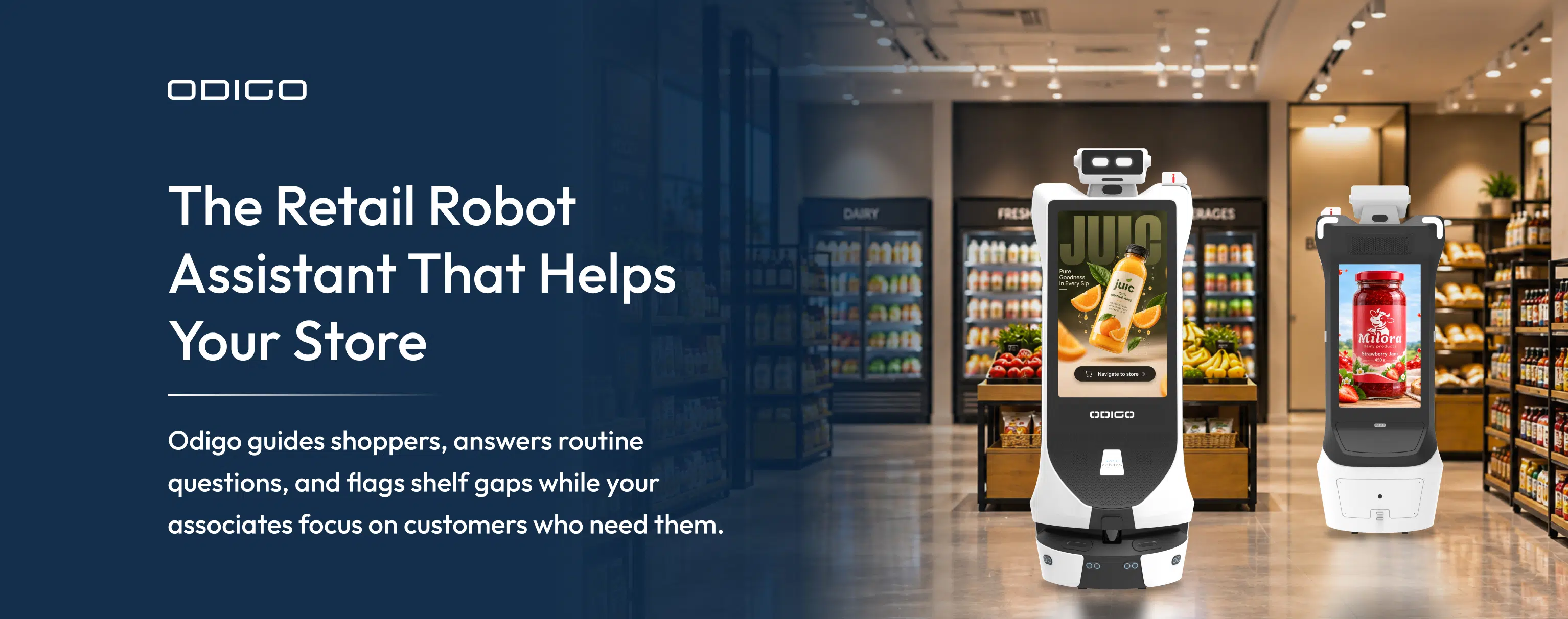
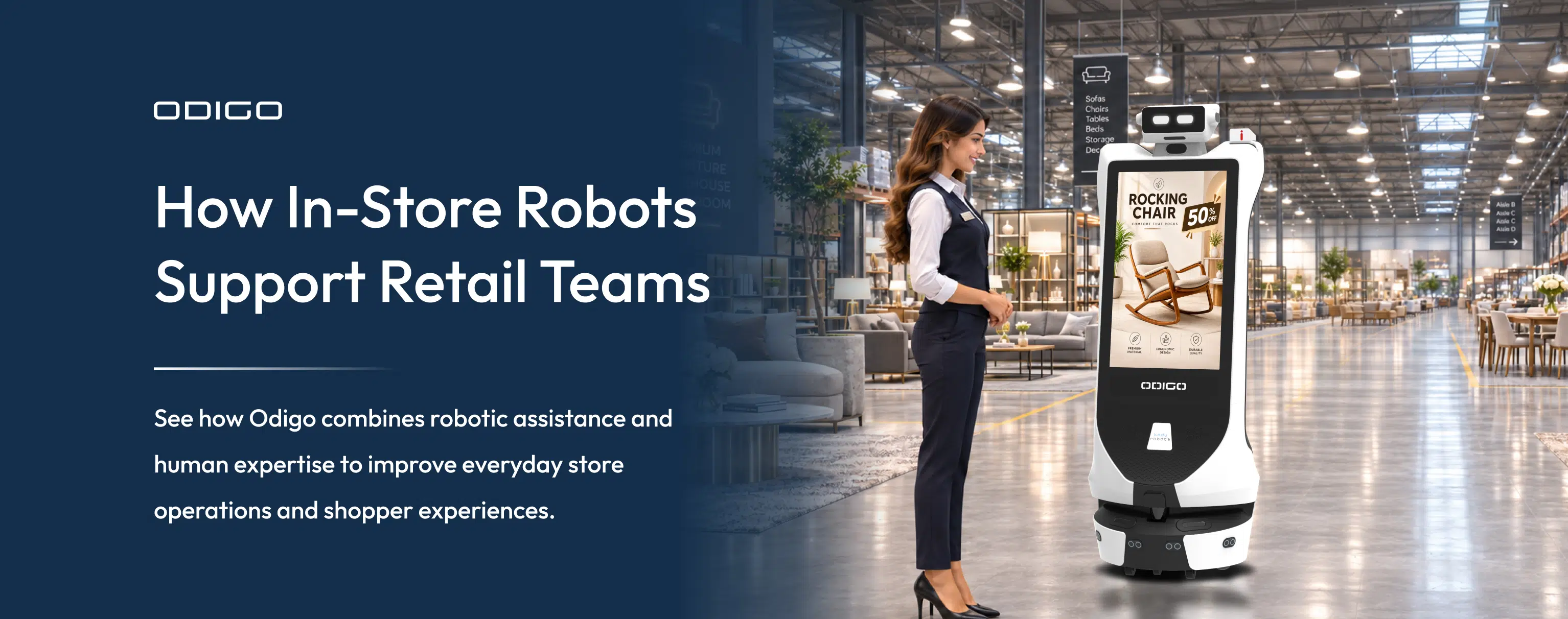
Odigo brings these capabilities together through AI-powered customer assistance, autonomous navigation, digital advertising, and retail intelligence. Its role is to provide shoppers with accessible information and give associates additional operational support, while people continue to bring the judgment, product expertise, and personal attention that shape the shopping experience.
For retail decision-makers, the opportunity lies in integrating these capabilities into everyday store operations while ensuring associates remain central to delivering a high-quality customer experience.
Before Odigo: What a Typical Day Looks Like for Retail Associates
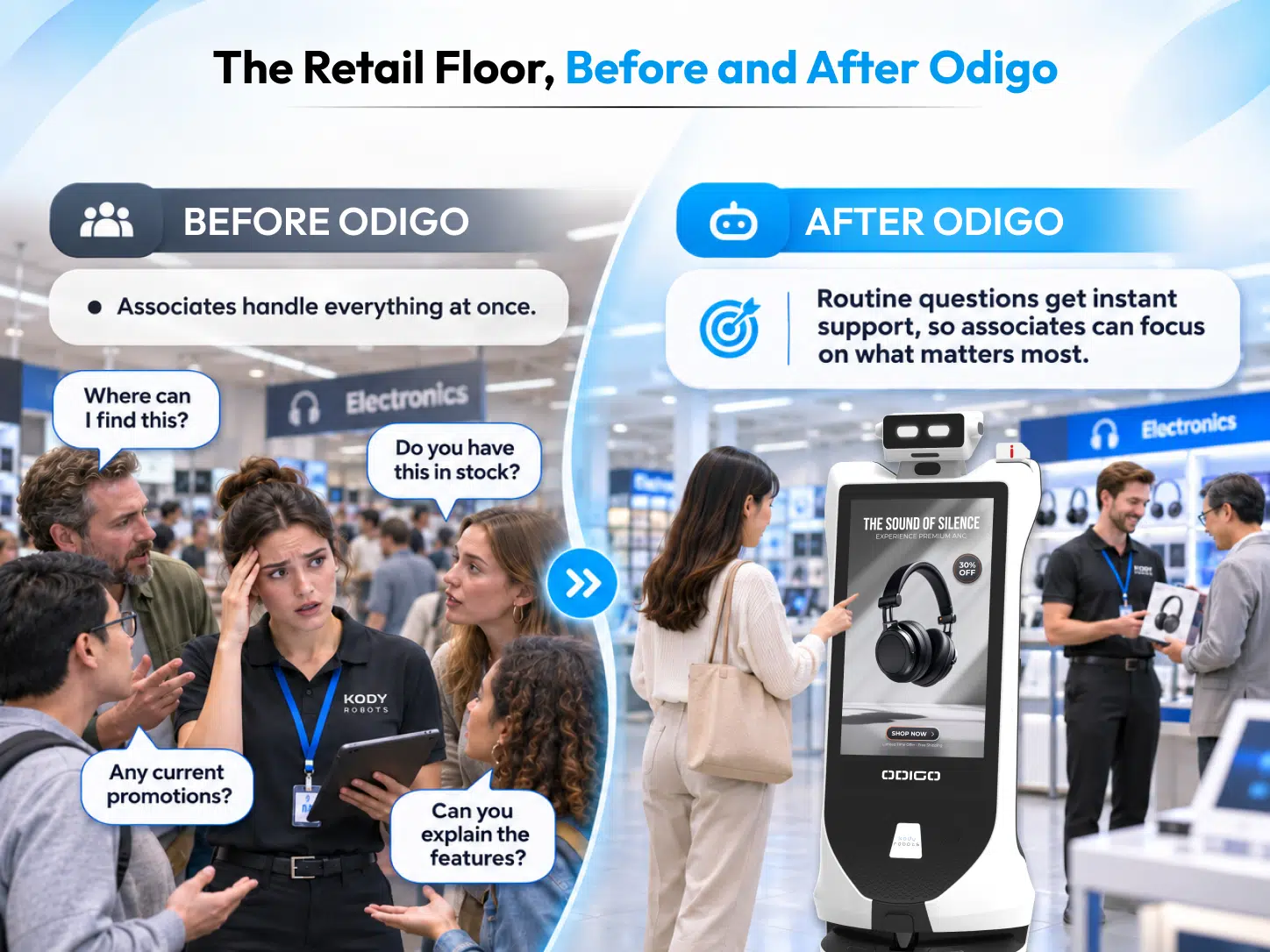
Retail associates balance customer-facing responsibilities with the practical work required to keep a store organized and ready for shoppers.
Answering the Same Questions Throughout the Day
Shoppers regularly ask where products are located, which department carries a particular item, or where they can find store services and promotions.
In a small store, answering these questions may take only a moment. In a supermarket or large department store, locating an item can involve navigating several aisles or departments.
These interactions are valuable, but associates must manage them alongside other responsibilities. An employee checking a display may need to pause to provide directions, while another may receive multiple requests during a customer consultation.
Helping Shoppers Understand Products
Customers often need more than a product location. They may want to compare brands, understand specifications, or determine which option suits their requirements.
For example, someone purchasing a television may need help understanding screen sizes, display technologies, connectivity, and sound features. A shopper choosing a smartphone may want to compare camera capabilities, storage, battery life, and price.
These conversations require product knowledge and an understanding of individual preferences. Associates must explain information in a way that helps customers make informed decisions.
Managing Multiple Requests and Store Responsibilities
Customer requirements can change quickly during busy periods. One shopper may need directions; another may have a question about a promotion, and a third may require detailed purchase assistance.
Alongside these interactions, associates manage replenishment, shelf organization, product-facing checks, promotional displays, and inventory tasks. They may also identify empty shelf spaces or report products displayed in incorrect locations.
Managers need visibility into these activities, and the questions shoppers ask most frequently. Individual conversations provide useful feedback, but they do not always create a consolidated view of customer demand across store zones.
Associates manage customer service and operational responsibilities together. Identifying where repetitive requests occur helps retailers understand which activities could benefit from additional support.
After Odigo: How Robots in Stores Support Retail Associates
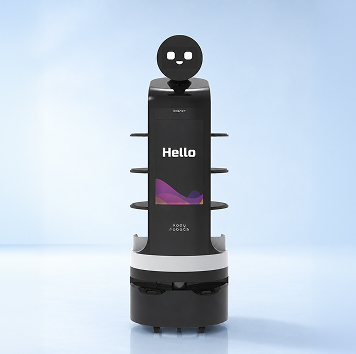
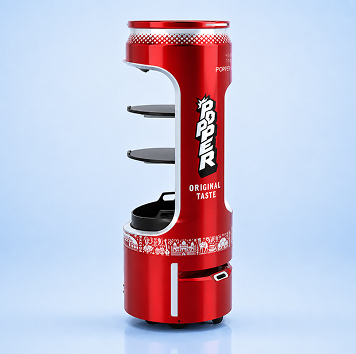
Understanding how retail robots support staff starts with identifying specific customer and operational requirements. Robots in stores can help retailers address these needs through product navigation, AI-powered assistance, promotional communication, and retail intelligence. Odigo brings these applications together in a mobile robotic platform, with capabilities configured according to the retailer’s environment.
Product Directions Become Easier to Access
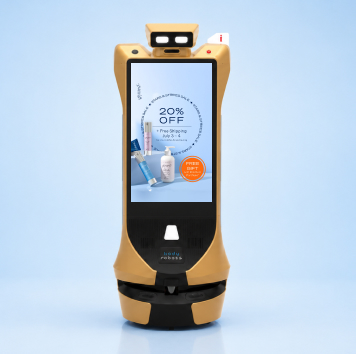
Finding products in a large store can be difficult when shoppers are unfamiliar with the layout. Odigo’s wayfinding and escort capabilities allow customers to request directions through voice or touchscreen interactions. AI robot assistant can provide aisle or zone information and physically escort visitors to selected destinations.
For example, a shopper looking for kitchen appliances can request directions instead of relying entirely on printed directories or asking an associate.
Retailers evaluating Odigo should understand what is a wayfinding robot and how it differs from a fixed digital directory. A wayfinding robot can provide directions and physically guide visitors, depending on its mapped environment and configured routes.
Initial Product Questions Have Another Point of Support
Some shoppers want basic information before deciding whether they need help from an associate. Odigo’s AI concierge can answer configured questions through voice and touchscreen interactions.
Depending on the setup, shoppers can access information about products, store services, policies, and frequently requested topics. For example, a customer considering an appliance may first want to understand its basic features. This provides an additional information channel while associates remain available for detailed explanations, comparisons, and personalized recommendations.
Retailers should decide which questions can be handled through configured information, and which require staff involvement.
Promotional Information Gets Another Communication Channel
Retailers communicate promotions through shelf signage, product displays, printed materials, and digital screens. Odigo adds a mobile digital display to this environment.
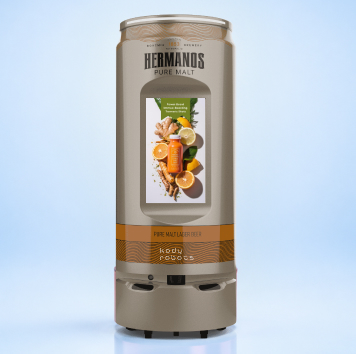
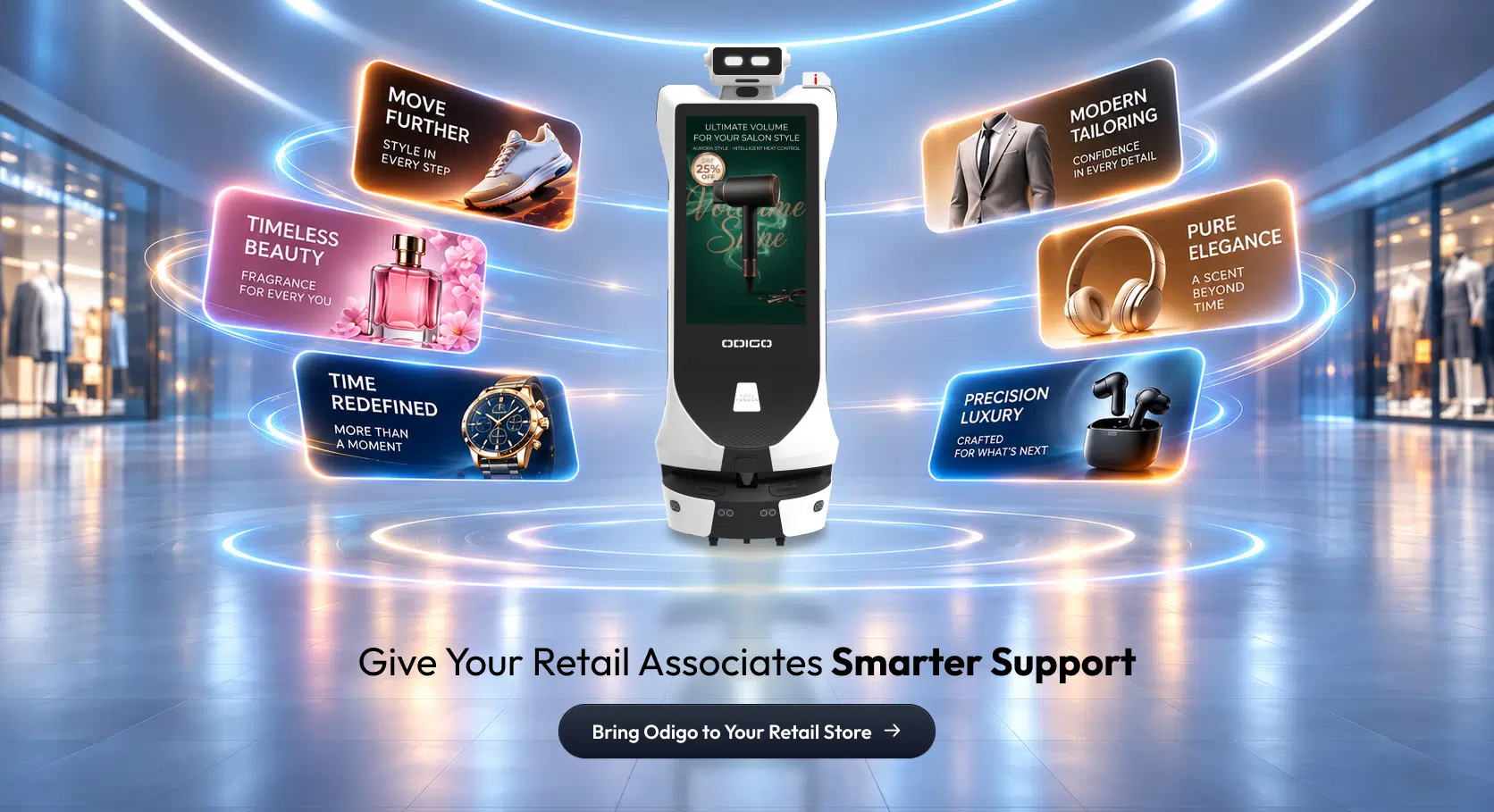
Its dual 32-inch Full HD touchscreens can present promotional messages, product information, and campaign content. Content can be scheduled according to location, route, and time, depending on deployment requirements. When assessing static screens vs advertising robot in supermarkets, retailers should consider the strengths of both formats. Fixed screens communicate at established locations, while a mobile display can carry campaign content through designated areas as the robot moves.
For retailers planning retail advertising, mobile screens provide another way to communicate campaigns in selected store zones. However, movement alone does not guarantee attention. Campaign relevance, placement, timing, and audience context remain important.
Customer Assistance Can Continue Across More Interactions
Customer service extends beyond product enquiries. Shoppers may need information about returns, exchanges, order pickup, membership, or other store services. Odigo’s configured service concierge menu can make selected options accessible through its screen. Depending on the workflow, customers can request directions or raise a help ticket.
A ticket can capture details such as the issue type, location context, and timestamp. It can then be routed through a retailer-selected channel, such as email, WhatsApp, or an existing ticketing tool, subject to configuration.
This creates a structured way to communicate certain requests to the relevant store team.
Shelf Availability and Product Accuracy Become Easier to Monitor
Maintaining a well-organized sales floor requires regular checks. Odigo’s Retail Intelligence capabilities can support selected shelf and product checks, including:
- Shelf availability: Identifying availability issues across configured aisles and categories.
- Misplaced products: Flagging products appearing outside their expected locations.
- SKU and facing indicators: Identifying selected product-placement and shelf-facing exceptions.
- Promotional and price-label checks: Identifying the presence of configured promotional and price labels.
- Exception reporting: Bringing identified shelf conditions together for store-team attention.
These insights can help associates prioritize replenishment, product correction, and merchandising activities.
It is important to distinguish shelf detection from live inventory information. Shelf detection identifies conditions on the sales floor. Live inventory and in-transit stock checks depend on integration with retailer systems. When connected, Odigo can help establish whether an unavailable shelf item is in the back room, arriving, or available elsewhere.
A Shared Approach to Better Retail Operations
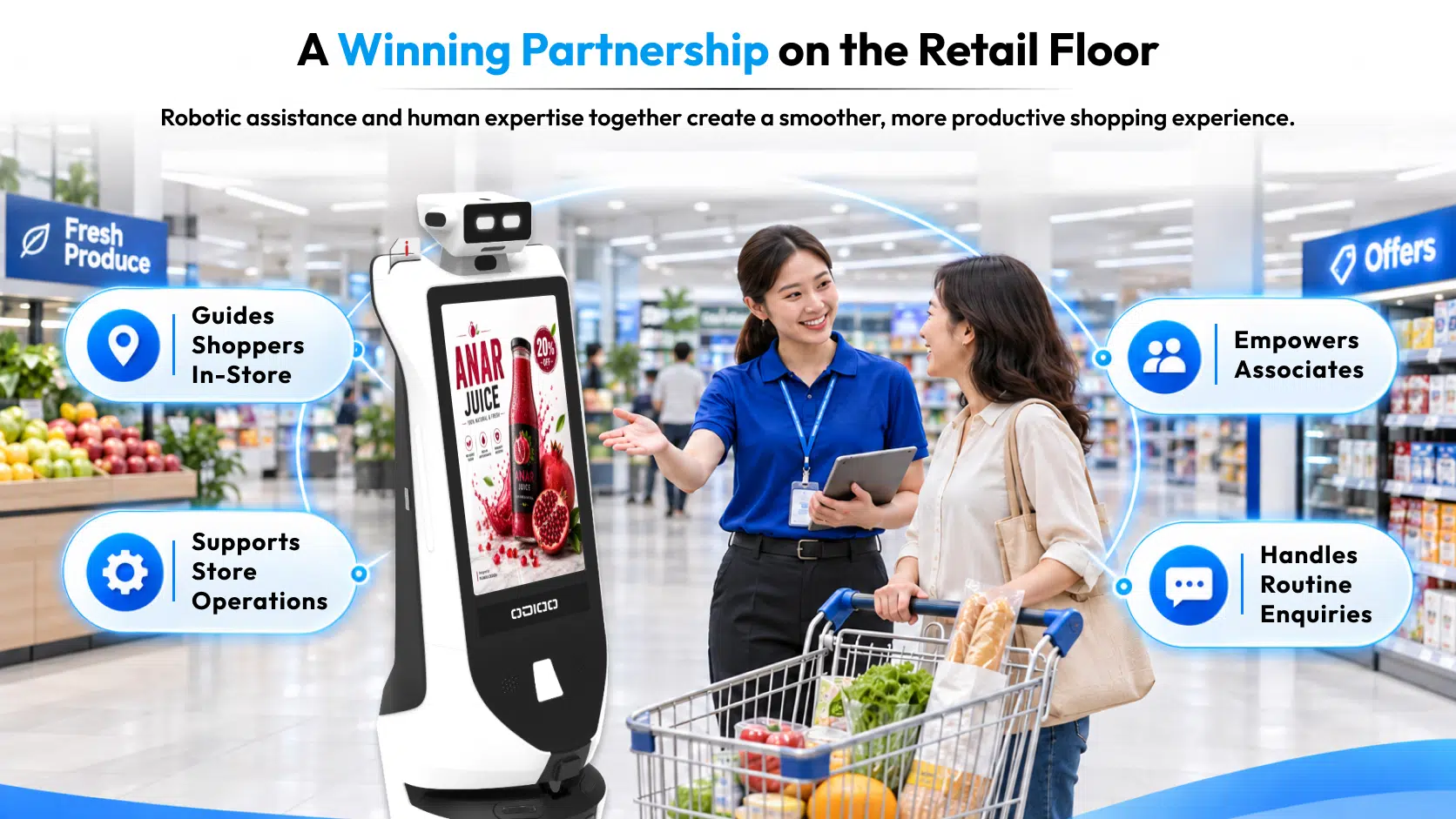
Odigo and retail associates bring different strengths to the shopping experience. While Odigo assists with product information, comparisons, navigation, and shopper insights, associates use their expertise to guide decisions, manage store operations, and build customer relationships. Together, they create a more connected and efficient retail environment.
| Retail activity | Odigo | Associates |
| Guiding shoppers to products and departments | Yes | Yes |
| Answering product-related questions | Yes | Yes |
| Explaining product features and specifications | Yes | Yes |
| Comparing products and presenting suitable options | Yes | Yes |
| Sharing promotional content and campaign information | Yes | Yes |
| Handling configured customer service requests | Yes | Yes |
| Flagging misplaced or incorrect SKUs | Yes | Yes |
| Identifying and flagging out-of-stock shelf items | Yes | Yes |
| Sharing shopper interaction analytics and product-interest insights | Yes | Yes |
| Providing personalized recommendations based on individual needs | Supports with product information | Yes |
| Conducting detailed product demonstrations | Supports with product information | Yes |
| Handling negotiations, financing, and purchase discussions | Supports with configured information | Yes |
| Managing physical stock correction and replenishment | Flags issues | Yes |
| Managing advertising inventory and campaign priorities | Displays configured campaigns and shares engagement insights | Yes |
| Building ongoing customer relationships | Supports customer engagement | Yes |
Odigo provides additional support across navigation, information access, promotions, service requests, and configured shelf intelligence. Its applications help address selected store requirements while associates continue to manage customer relationships and daily responsibilities.
What Remains Central: The Work That Associates Bring to the Retail Floor
Technology can make information easier to access, but it cannot replace the value of understanding an individual customer’s requirements. Associates bring experience and judgment to conversations that need more than standard information.
Personal Recommendations Still Need Human Understanding
A shopper looking for a laptop may have a particular budget, but the right recommendation also depends on how they intend to use it. Someone working with large design files may need different specifications from someone purchasing a laptop for everyday browsing. An associate can ask follow-up questions and recommend suitable options. The same applies to refrigerators, appliances, furniture, and other categories where family requirements, space, comfort, or intended use influence a purchase.
Complex Conversations Still Need Product Expertise
Some purchases involve detailed comparisons and demonstrations. An associate can explain technical differences, clarify specifications, and show customers how product features work. This is particularly valuable in electronics, appliances, furniture, and automotive retail, where customers may need practical explanations before making a decision.
Negotiation and Customer Relationships Remain Human-Led
As shoppers move closer to purchasing, they may have questions about warranties, financing, delivery arrangements, pricing conditions, or availability. Associates can address concerns, provide clarification, and recognize when a customer needs additional reassurance. They also build familiarity with returning shoppers through everyday interactions.
Retailers considering robot assistants in retail industry applications should therefore assess the complete customer journey. The objective is to make selected services more accessible while preserving personal recommendations and meaningful human interaction.
Product expertise, judgment, and customer relationships remain essential to retail. Technology is most useful when it supports these strengths.
Retail and Ad Inventory Management
Managing product availability and advertising inventory remains the responsibility of retail associates and store teams. Odigo can flag incorrect SKUs or identify products marked as out of stock, helping associates become aware of potential inventory issues. However, checking stock, correcting product information, and arranging product availability require associate intervention.
The same applies to advertising inventory management. Associates retain control over ad placements, available promotional slots, campaign priorities, and the content displayed on Odigo. The robot can support content delivery and provide engagement insights, but decisions about inventory and advertising remain with the retail team.
This keeps operational decisions in human hands while allowing Odigo to support associates with timely information and useful insights.
How Retail Robots and Associates Work Together
A connected retail environment brings technology and people together at different stages of the shopping journey, helping shoppers access information while enabling associates to provide more informed assistance.
Consider a customer visiting an electronics department to purchase a television:
- Finding the product: Odigo guides the shopper to the television department.
- Accessing information: The shopper views configured product information or promotional content.
- Comparing options: Odigo can explain screen sizes, specifications, and features and suggest suitable options.
- Checking availability: Connected inventory information may help establish whether an unavailable shelf item is in stock elsewhere.
- Decision making: The associate answers the remaining questions and supports the purchase.
- Sharing shopper insights: Odigo provides associates with consolidated interaction analytics, including conversation details and the products shoppers showed interest in. This gives associates useful context before they continue the conversation.
Each interaction has a distinct purpose. Odigo supports associates by handling routine information requests, guiding shoppers, and making relevant product information accessible. It also gives associates insights into shopper interactions, including frequently discussed products and areas of interest. With this context, associates can prioritize customer needs, continue conversations more effectively, and offer assistance that is better aligned with each shopper’s interests.
Turning Shopper Activity into Useful Store Insights
Retailers need to understand how customers use their stores. Which destinations receive frequent requests? Which products are searched for most often? When do shoppers use assistance features?
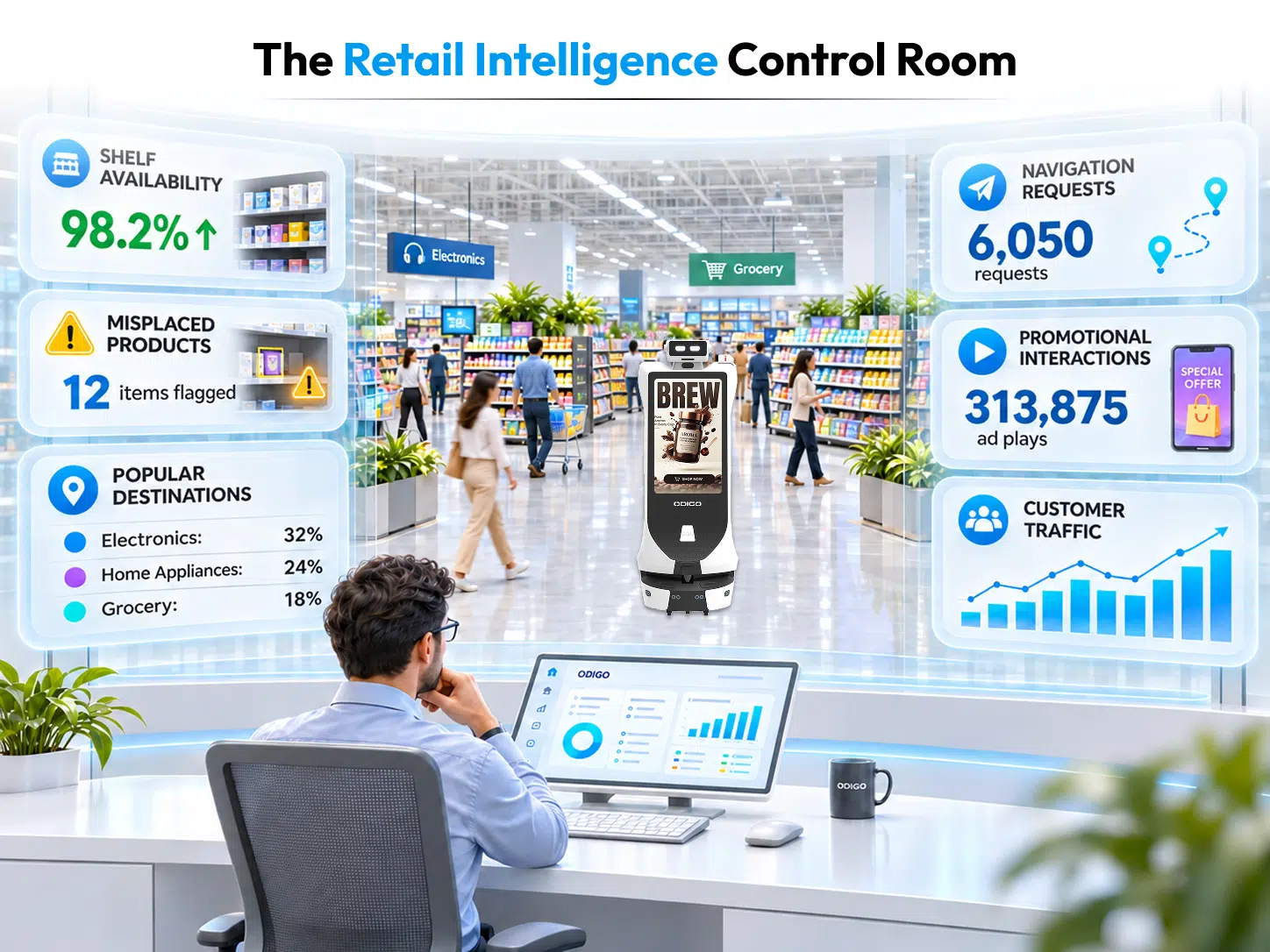
Odigo’s analytics can report robot-mediated interactions, item searches, navigation requests, popular destinations, and usage periods. Configured patrol analytics can also provide information about footfall, dwell, and zone activity.
These insights can help managers identify patterns within the activity captured by the system. Frequent requests for directions to a particular department, for example, may indicate that its location is not immediately clear to shoppers.
Odigo Brings Mobile Advertising and Shopper Assistance to Silicon Central Mall in Dubai
At Silicon Central Mall, Dubai, Odigo combines mobile advertising, AI-powered concierge services, and shopper assistance to create more interactive shopping experiences. Moving through the mall, Odigo provides brands and retailers with a platform to showcase promotional campaigns, highlight products, and communicate special offers directly to visitors.
Beyond advertising, Odigo assists shoppers with wayfinding, answers their queries, and guides them to stores and other destinations within the mall. With autonomous navigation and interactive dual-screen displays, Odigo brings advertising and customer assistance directly into the visitor’s shopping journey.
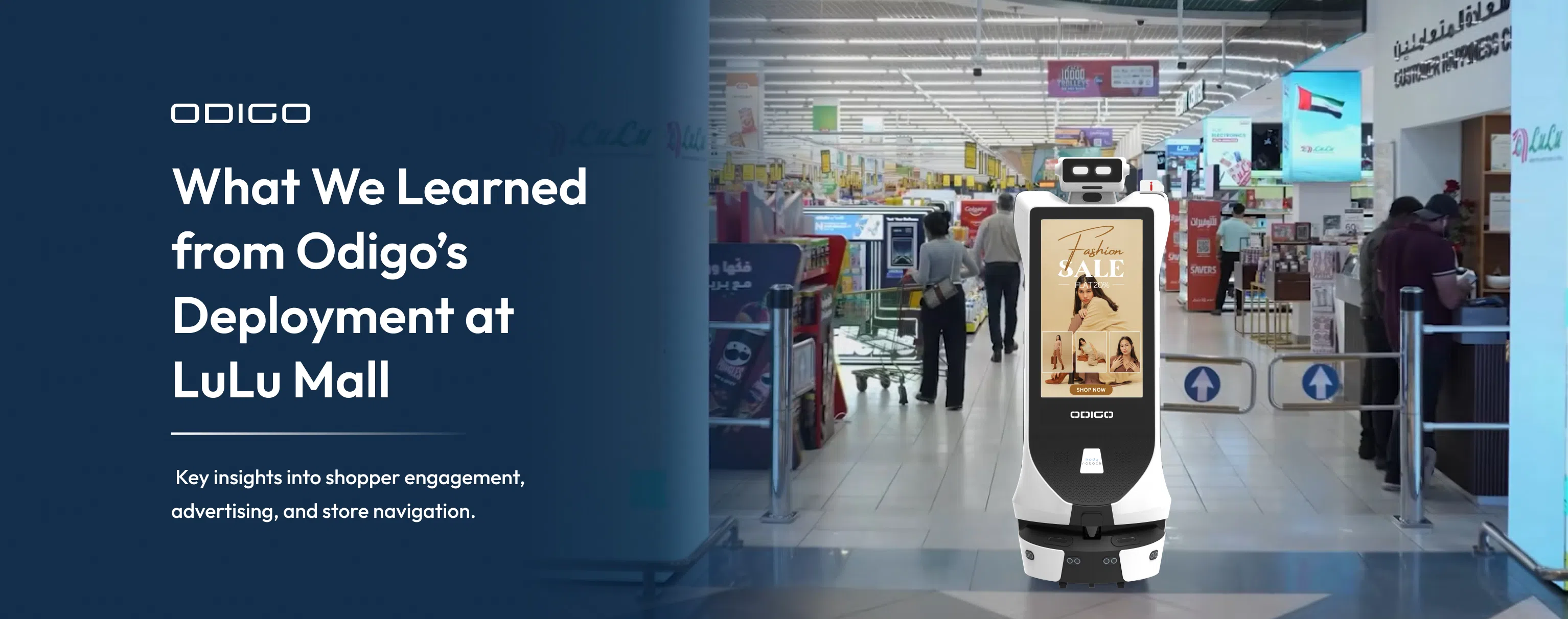
A practical example comes from Kody Robots’ Odigo deployment at LuLu Mall in Thiruvananthapuram. Between June 1 and July 31, 2026, five robots operating across two floors recorded:
| Deployment metric | Recorded activity |
| Shopper interactions | 47,350 |
| Store-navigation requests | 6,050 |
| Advertising plays | 313,875 |
| Distance covered | 1,317.5 km |
| Runtime | 868 hours |
These are recorded activity counts, not unique shoppers, completed journeys, associate time saved, or sales conversions. An advertising play also does not establish that a shopper noticed or acted on a message.
The robot in Lulu Mall case study provides further context about the deployment. Retailers can use this type of reporting alongside sales information, inventory records, customer feedback, and associate observations, rather than treating robot analytics as a complete record of store activity.
Understanding the Commercial Role of In-Store Media
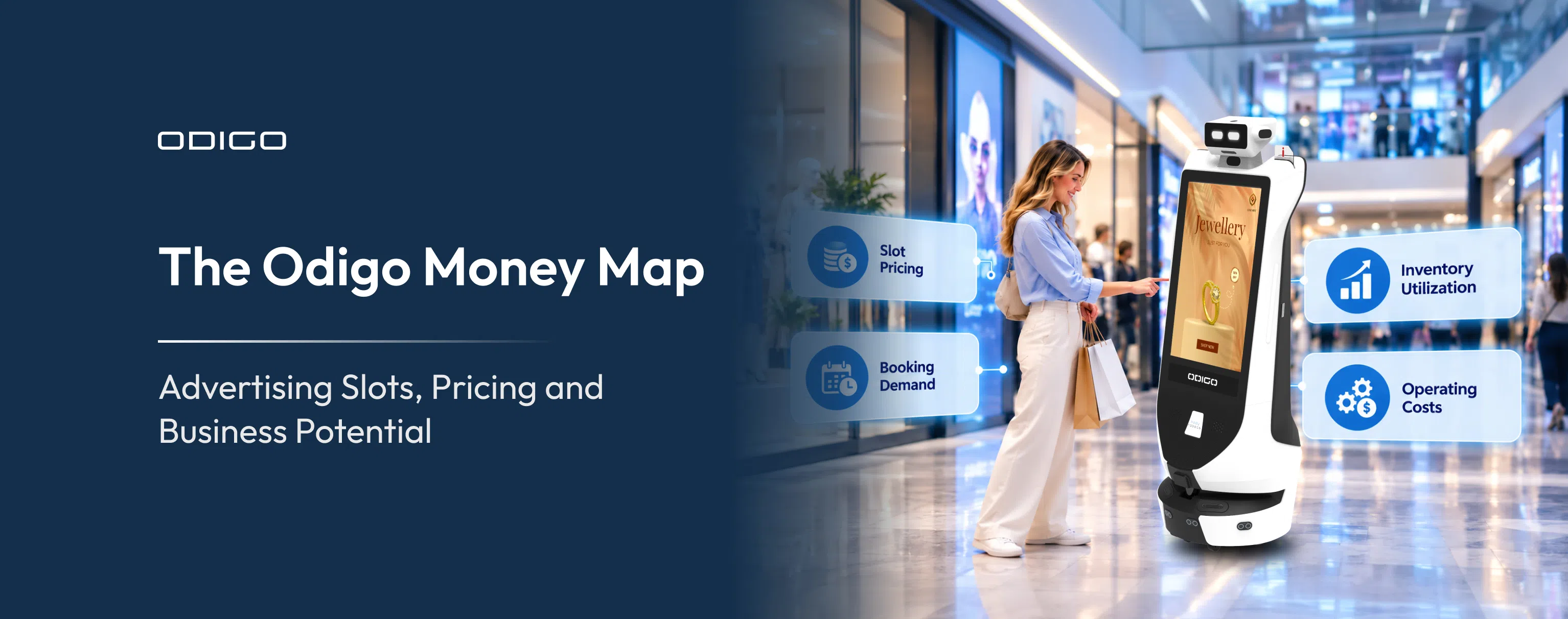
Advertising robots can form part of a retailer’s wider media environment. Odigo supports content scheduling by location, route, and time, along with proof-of-play records and engagement signals such as touchscreen interactions and QR activity.
This gives retailers another format to consider when planning retail media inventory. Mobile placements can complement fixed digital screens when campaign content is relevant to the location and audience.
Retailers should establish who manages campaign content, how placements are allocated, and which engagement measures matter. Advertising plays, screen interactions, and QR activity are different signals and should not be treated as interchangeable measures of attention or sales.
Coordinating robotic assistance, associate expertise, and operational reporting can help retailers understand how technology fits into the shopping journey and wider store strategy.
What Retailers Should Consider Before Introducing Robots in Stores
Successful deployment begins with a clear operational objective. Retailers should identify their requirements before selecting a solution.
Identify Repetitive Customer Interactions
Observe the questions associates receive most frequently. These may involve product directions, department locations, basic product information, promotions, or store services.
Managers can speak with associates, review customer service requests, and observe busy periods. A grocery retailer may identify frequent product-location enquiries, while an electronics store may prioritize access to basic product information.
This assessment helps establish where additional assistance is useful and where direct staff interaction is more appropriate.
Match Robot Capabilities to Store Requirements
Retailers should assess:
- Store layout: Aisle width, department locations, customer movement, and restricted areas.
- Navigation: Product-location information, mapped routes, and multi-zone movement.
- Customer assistance: Questions and service requests the system should support.
- Shelf intelligence: Product categories and shelf conditions requiring monitoring.
- System integration: Inventory, pricing, promotions, and other retailer systems.
- Content management: How product information and promotional messages will be updated.
- Operational support: Training, maintenance, monitoring, and deployment responsibilities.
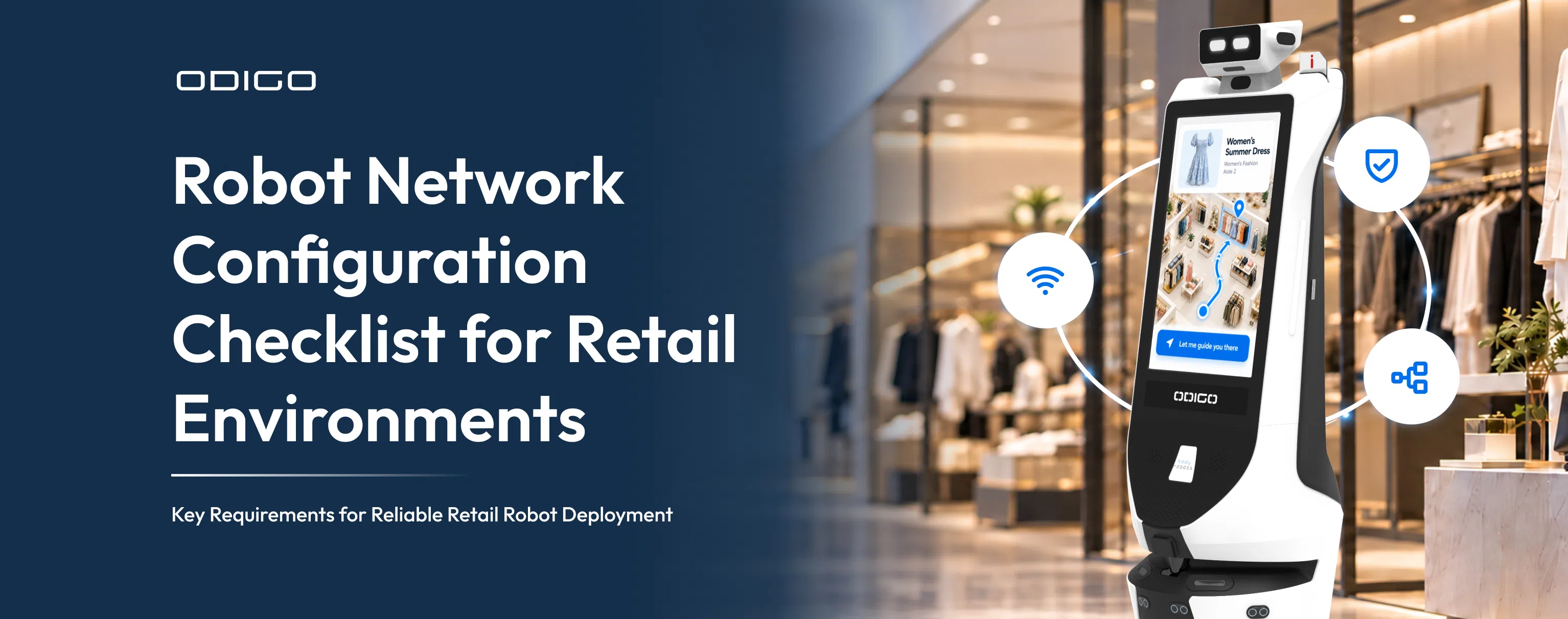
Reviewing retail robot hardware can help decision-makers assess the physical components and technical requirements relevant to their intended applications. Retailers should also identify which features require configuration or integration before deployment.
Prepare Associates for the New Workflow
Associates should be involved before technology reaches the sales floor. They need to understand how shoppers interact with the robot, what information it provides, and when staff assistance is required. Training can cover navigation features, AI concierge information, service requests, shelf exceptions, reporting incorrect information, and basic safety procedures.
Associates can also provide valuable feedback during testing because they understand customer behavior, product displays, and everyday store requirements. Their observations can help identify practical issues before a wider rollout.
Evaluate the Retail Robot Deployment Impact
Retailers should establish baseline measurements before deployment. Useful indicators include:
| Evaluation area | What to measure |
| Customer assistance | Robot-mediated interactions |
| Product navigation | Item searches and destination requests |
| Shelf intelligence | Configured product and shelf exceptions |
| Associate workflow | Changes in the types of requests handled |
| Promotional engagement | Screen interactions and QR activity |
| Customer experience | Feedback and satisfaction |
| Operations | Usage, uptime, and maintenance requirements |
The retail robot deployment impact should be assessed using several indicators rather than interaction volume alone. Higher usage does not automatically establish improved productivity, increased sales, or reduced operating costs.
The financial assessment should include hardware, installation, integration, training, content management, maintenance, and ongoing support. Retailers should combine system reports with customer feedback, associate observations, and relevant business data.
Clear use cases, suitable technology, associate involvement, and measurable objectives make deployment more practical and help retailers assess whether the solution delivers its intended value.
Better Support for Associates and a More Connected Retail Experience
Retail associates bring product knowledge, judgment, and personal understanding to the shopping experience. They help customers compare options, resolve concerns, and make informed decisions. Their work also extends to merchandising, replenishment, and keeping stores ready for shoppers.
Odigo adds another layer of support through product navigation, customer assistance, promotional communication, and configured retail intelligence. It can also provide reporting that helps retailers understand selected patterns in shoppers and store activities.
For decision-makers considering robots in stores, the focus should be on practical value rather than automation for its own sake. The right deployment supports the people, processes, and customer experiences that make a retail environment successful.
Bring Odigo to your commercial space and see how autonomous assistance can support your associates, improve access to store information, and create a more connected shopping experience. Connect with Kody Robots to discuss the requirements of your retail environment.

Robots in Stores – General FAQs
Get clear answers to common questions about robots in stores, their capabilities, and their role in retail operations. Understand how Odigo supports shoppers, assists retail associates, and contributes to a more connected store experience.
1. How can robots in stores support retail associates?
They can provide product directions, configured product information, promotional content, and selected service assistance. Depending on deployment, they can also support shelf monitoring and operational reporting. These capabilities give associates additional information while they continue to manage customer conversations and store responsibilities.
2. Do robots in stores change the role of a sales associate?
They can change how selected enquiries are handled. Associates continue to provide recommendations, explain complex features, address purchase concerns, and build customer relationships. A robot assistant should be viewed as an extended arm, with clear boundaries around the questions it can answer and the situations that require staff involvement.
3. How can retailers decide whether in store robots are suitable?
Retailers should review recurring customer questions, store layouts, navigation requirements, product-information needs, shelf-monitoring priorities, and existing technology systems. Involving associates in identifying suitable use cases can help establish whether a solution addresses a genuine operational requirement.
4. How could robots in stores fit into supermarkets?
Applications would depend on each retailer’s operating model. For instance, Walmart may assess product navigation and shelf availability across large store formats. Best Buy may consider product information and assistance in electronics departments. Lidl may evaluate applications suited to grocery operations. These examples illustrate how different retailers could apply robotic assistance based on their store layouts, customer needs, and operational priorities.
5. Would the same robot application work for different supermarkets?
Not necessarily. For instance, Walmart, Lidl or Best Buy can have different store formats, product assortments, customer journeys, and operating priorities. A supermarket robot, for example, may need different navigation, product information, and shelf-monitoring configurations from a robot deployed in an electronics store.
6. What should retailers measure to understand the ROI of robots in stores?
Retailers should establish baseline measurements and evaluate interactions, navigation requests, shelf exceptions, promotional engagement, customer feedback, associate workflow changes, and operating costs. Comparing these indicators against the original objectives provides a more complete picture than interaction volume alone.
7. Can robots in stores improve associate productivity?
They may support productivity by handling selected enquiries and identifying configured shelf exceptions. However, retailers should measure actual changes in associate workflows and task priorities rather than assume that technology automatically saves time.
8. How can retailers calculate the financial return of a retail robot deployment?
Retailers can compare measurable outcomes with total deployment costs over a defined period. The assessment should include hardware, installation, integration, training, maintenance, content management, and ongoing support. Claimed operational or sales improvements should be supported by relevant business data.
9. Does a higher number of robot interactions automatically mean better ROI?
No. Interaction volume indicates how frequently shoppers use the robot, but it does not establish financial return. Retailers should also consider customer feedback, operational outcomes, associate experience, and total ownership costs.
10. Can robots in stores contribute to retail sales?
They can support the shopping journey by presenting product information, guiding customers, and communicating relevant promotions. These activities may support product consideration and engagement, while associates remain important in personalized recommendations and purchase decisions. Retailers should use appropriate sales data to evaluate any contribution. Through mobile advertising robots in retail environments, retailers can also bring promotional messages closer to shoppers across designated store areas.
11. How long does it take to see the ROI of retail robotics?
The timeframe depends on store size, deployment costs, operating hours, usage levels, system integrations, and evaluation objectives. Retailers should define a realistic assessment period and review operational and financial indicators regularly. There is no universal payback period for every store.
12. What costs should retailers include when evaluating the ROI of in-store robots?
The business case should include hardware, installation, software, system integration, associate training, content updates, maintenance, support, and ongoing operating expenses. Retailers should also consider the resources required to maintain accurate product information, store maps, and promotional content.
13. How can retailers assess the impact of robots on customer experience?
Retailers can review customer feedback, navigation requests, interaction patterns, information accuracy, and ease of access to assistance. Associate feedback can also help determine whether the technology fits naturally into the customer-service workflow.
14. How can retailers get started with robotic solutions for their stores?
Retailers should begin by identifying operational requirements, customer-service priorities, and the applications they want to support. They can then assess navigation, customer interaction features, shelf intelligence, safety systems, integrations, and ongoing support.
To discuss implementation, retailers can contact Kody Robots, a robotics company in India, to review their store requirements and identify suitable robotic solutions. The team can help businesses understand how Odigo can support customer assistance, store navigation, promotional communication, and retail operations.