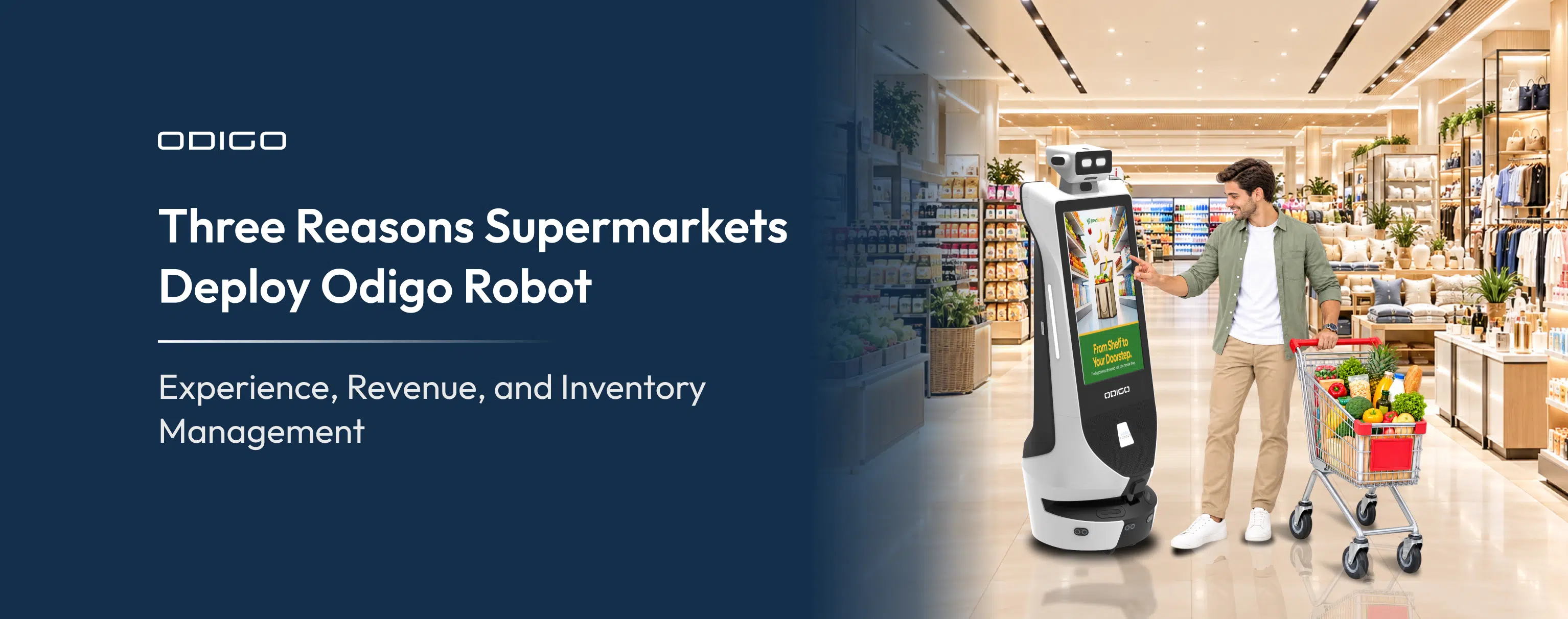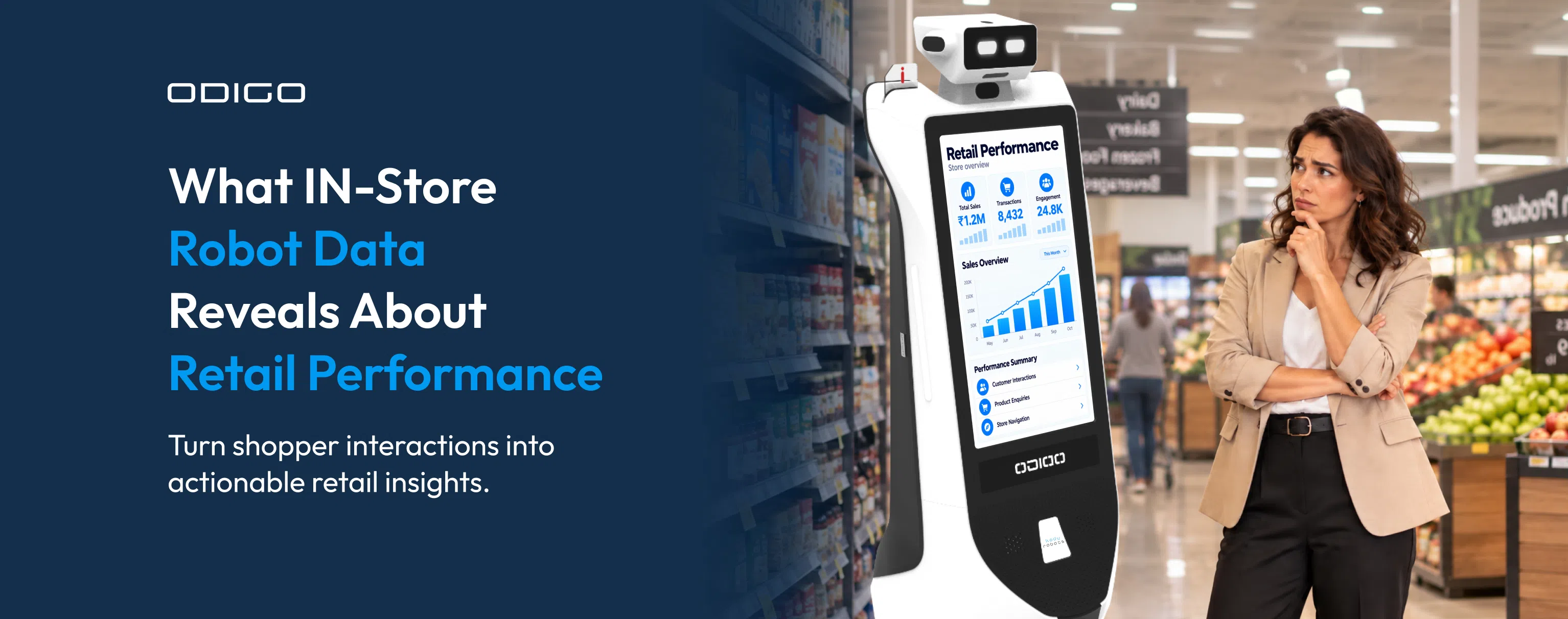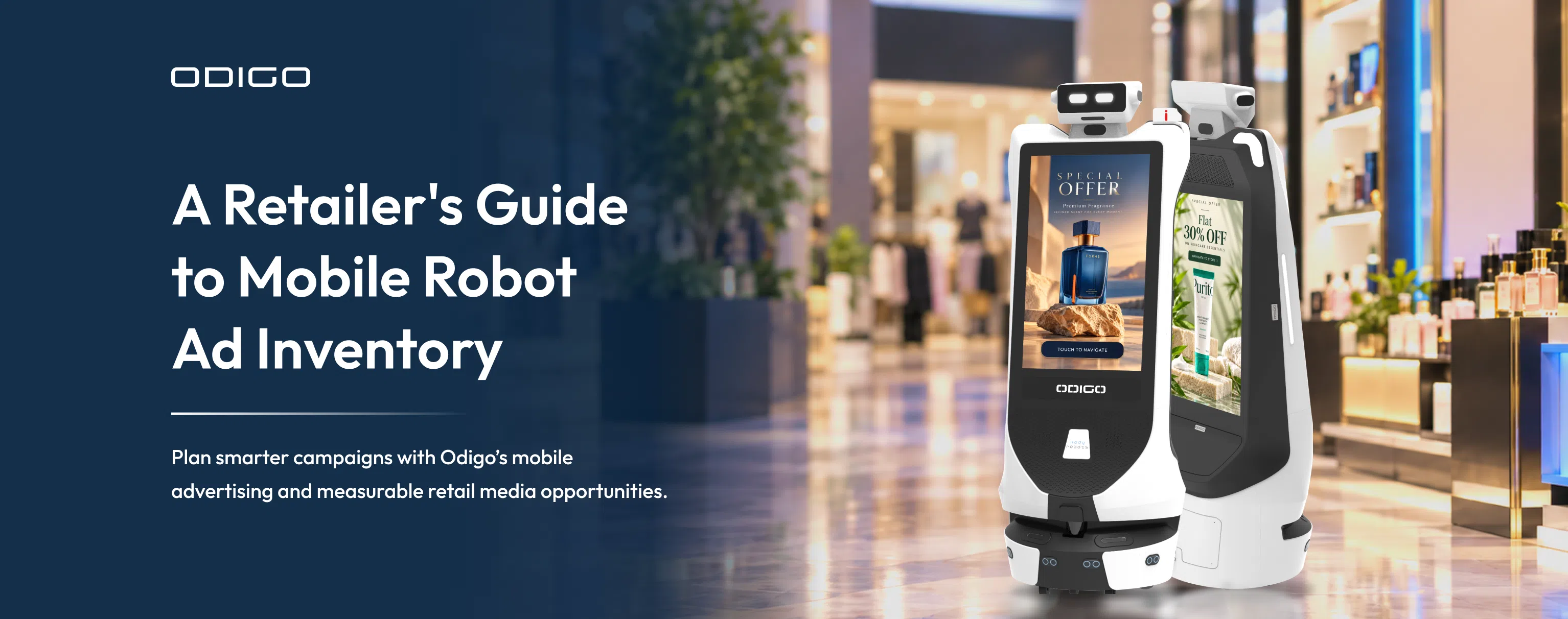



Quick Summary: How can advertising robots boost in-store sales for retailers? Advertising robots can help address common challenges such as limited product visibility, difficult product discovery, and missed promotional opportunities. By bringing offers closer to shoppers, guiding them to products, and providing insights into shopper engagement and shelf availability, advertising robots can support better shopping experiences and informed store decisions. However, retailers must evaluate sales data to determine whether these capabilities translate into measurable sales growth.
Key Takeaways
- Shoppers lose time and interest between the entrance and the checkout, and advertising robots work inside that gap.
- Odigo physically escorts shoppers to products, which a wall sign or a phone app cannot do.
- Zone-based ads place each promotion near the products being promoted, at the right time of day.
- Odigo’s own logs track ad plays, interactions, and navigations with no customer system integration.
- Sales proof needs a controlled test and your point-of-sale (POS) data alongside Odigo’s engagement logs.
- Two live mall deployments logged 65,807 shopper interactions and 8,559 store navigation sessions.
- Floor, aisle, and Wi-Fi checks come first in any deployment plan.
Where In-Store Shopping Experiences Can Lose Sales
Retailers keep asking how advertising robots boost sales, and the honest answer starts with one shopper on one trip. Picture a shopper entering a 60,000-square-foot grocery store for milk. Aisle signs help a little and the promotional endcap earns a glance. Whereas the store associates are busy at the front end. Twenty minutes later, the shopper leaves without the promoted milk, illustrating how a missed purchase can go unnoticed.
The sale simply could have been possible, but with the situation given, it never happened. No report flagged the lost basket, and likewise, quiet losses add up across every shift. Multiply that trip by thousands of visitors each week. The gap shows up in basket value, conversion rate, and promotion performance. Odigo Robot closes that gap on the sales floor.
The autonomous robot patrols the store, shows targeted ads, and escorts shoppers to products. Store associates stay free for conversations that need expertise. In this guide, we explain five ways advertising robots lift in-store sales. We also share live deployment data from two malls and outline a simple test to measure the result.
Why In-Store Sales Are Harder to Win Than They Look
Online retailers can see every click, search, and abandoned cart. However, physical retailers can only see the receipt. Everything between the entrance and the checkout stays invisible.
Inside that invisible stretch, sales slip away quietly. Foot traffic arrives in bursts, while associate headcount stays fixed. A shopper hunting one SKU in a large-format store often quits after two aisles. Each unanswered question becomes an abandoned basket.
Static signage adds a second drag. A printed endcap sign cannot change at 5 p.m. when dinner shoppers arrive. Promotions also sit where the planogram places them, not where shoppers actually walk.
Product Discovery and Measurement Challenges in Supermarkets
Product discovery is particularly important in supermarkets, where thousands of SKUs are spread across center-store aisles and perimeter fresh departments. Shoppers who cannot quickly locate an item may choose a substitute or skip the purchase altogether.
Labor pressure completes the picture. Store ops teams manage rising labor cost percentages and thinner shifts. Associates cannot escort every lost shopper to their desired aisle or product. Readers new to the category can start with what is a wayfinding robot, our explainer on escort-based navigation.
Measurement creates the final hurdle. Sales move with seasons, weather, and pricing. Isolating the effect of one tool takes planning. A later section lays out a test design built for exactly that problem.
How Advertising Robots Boost Sales by Influencing In-Store Buying Decisions
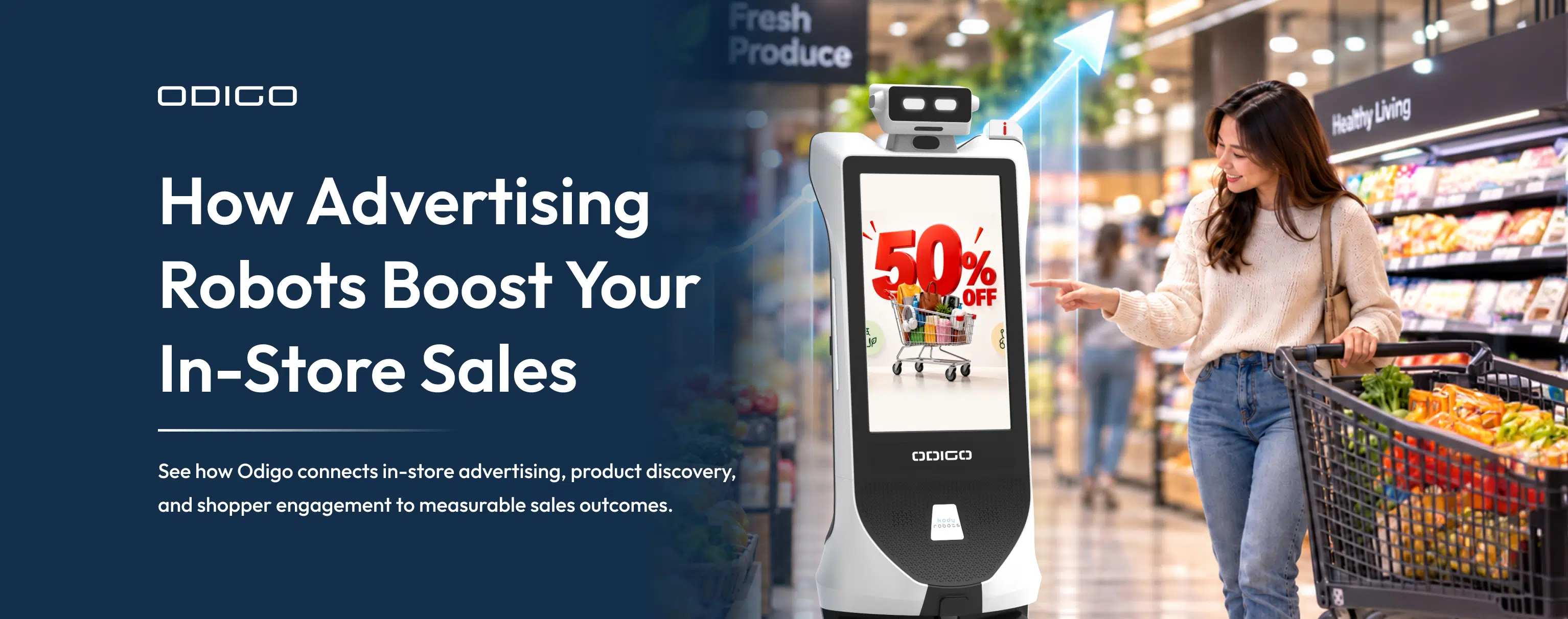
An advertising robot is a mobile display and shopper-assistance unit. Our guide, what is an Advertising Robot, covers the category in detail. The short version: a screen that moves to the shopper beats a screen waiting on a wall.
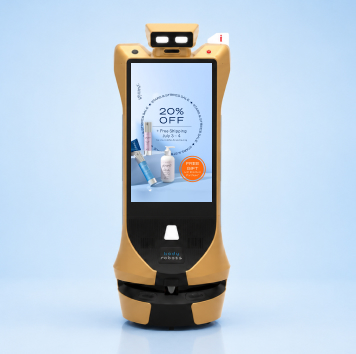
Understanding how advertising robots boost sales means following a chain of three links. Attention comes first. Odigo carries two 32-inch Full HD touchscreens, front and back, plus a 7.9-inch top display. Shoppers see offers while walking, not only at fixed points.
Discovery comes second. A shopper taps the screen, asks for an item, and Odigo returns the aisle and zone. Shoppers who might have abandoned the search reach the shelf instead.
Action comes third. Odigo escorts the shopper to the product, then presents a tap or QR offer at that exact spot. Interest meets the shelf within seconds.
Each link feeds the next, and attention without discovery wastes a view. Discovery without a promotion misses a chance to raise basket value. When all three links hold, the advertising robot sales impact appears in familiar metrics. Conversion rate, basket value, and promotion lift all move. Retailers can explore our Robot Assistant Comparison to understand how Odigo compares with other solutions for improving the in-store shopping experience.
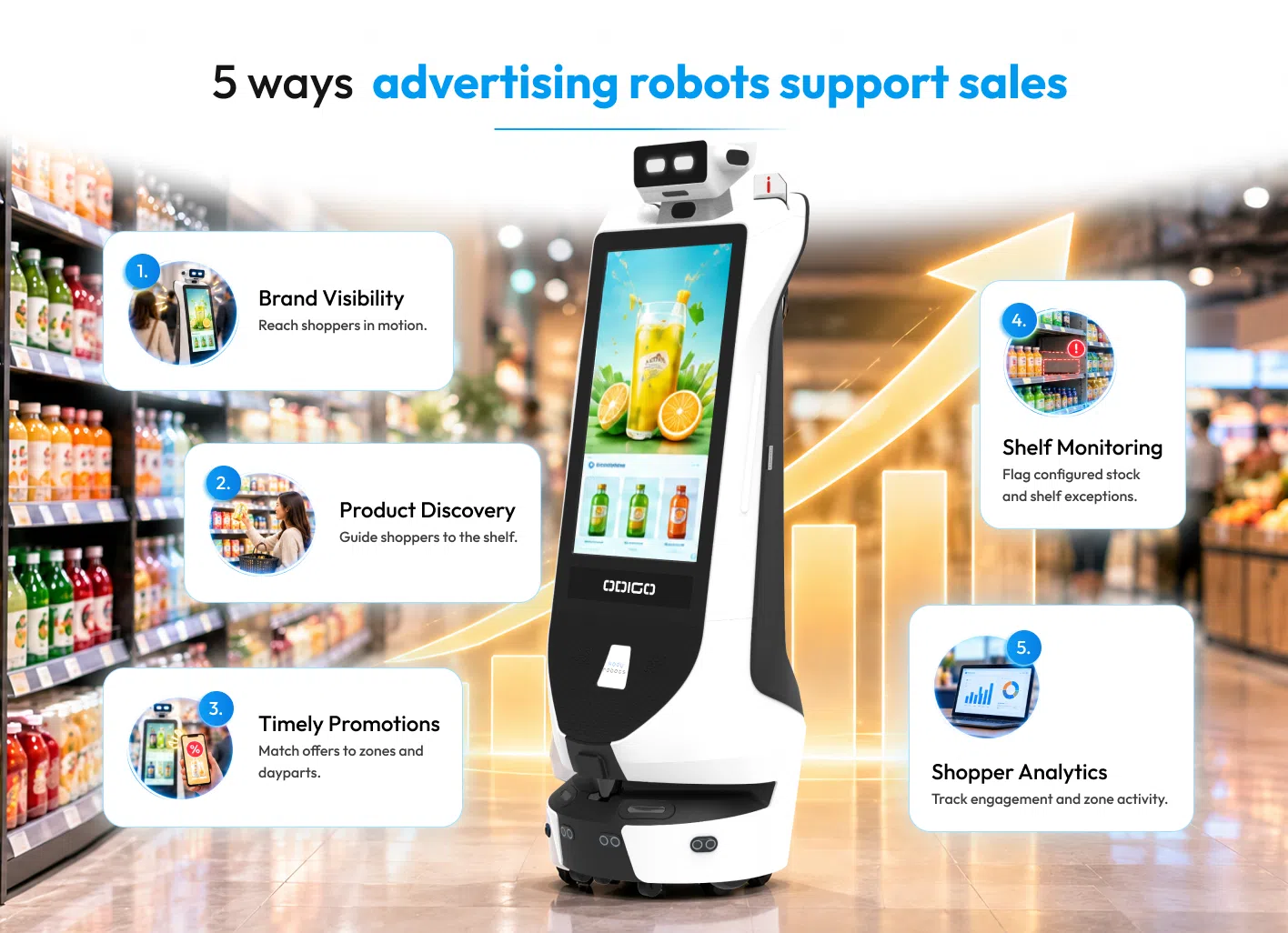
5 Ways Advertising Robots Can Help Lift In-Store Sales
Robot-assisted retail sales rest on five practical levers. Each lever below shows how robots boost in-store sales through one specific shopper behavior.
Increase Brand Visibility: How Advertising Robots Boost Sales Across the Store
A fixed screen reaches only the shoppers who pass it. An advertising robot patrols aisles, entrances, and department edges, so campaigns reach shoppers in motion. Each unit adds two advertising faces, front and back. Marketing teams gain new retail media inventory to book by zone and daypart. Proof-of-play logs confirm what ran, where, and when. Visibility becomes a number, not an assumption.
Improve Product Discovery With In-Store Wayfinding
Shoppers who cannot find an item leave without buying. A wayfinding robot removes the friction. Shoppers ask for an item by voice or touch and receive the aisle and zone. Better still, a wayfinding robot leads the shopper to the shelf. Physical escort turns a vague intention into a completed trip. Associates spend less time giving directions and more time on product questions.
Bring Promotions Closer to the Shopper’s Journey
Promotions lose power when shoppers meet them too late. An advertising robot carries section-specific offers to the aisle where the product lives. Offers change by day, time, and zone. A breakfast promotion runs in the morning. A dinner promotion takes over at 4 p.m. Store teams push new creative remotely, with no ladder, printer, or site visit.
Support Better Inventory Management Decisions
Empty facings and misplaced items cost sales that no advertisement can recover. Robots patrolling aisles can surface shelf gaps and misplaced products as exceptions. Associates then fix the shelf instead of searching for the problem. Large-format grocery shows how advertising robots boost supermarket sales fastest, because wide aisles hide gaps. Read why supermarkets deploy robots for the full operational picture.
Use Retail Intelligence to Identify Sales Opportunities
Every patrol pass collects insight. Footfall and dwell patterns reveal which zones draw traffic. Search logs show what shoppers ask for by time of day. Queue signals tell managers when to open another lane. Merchandising teams use the patterns to adjust endcaps, planograms, and promotional timing.
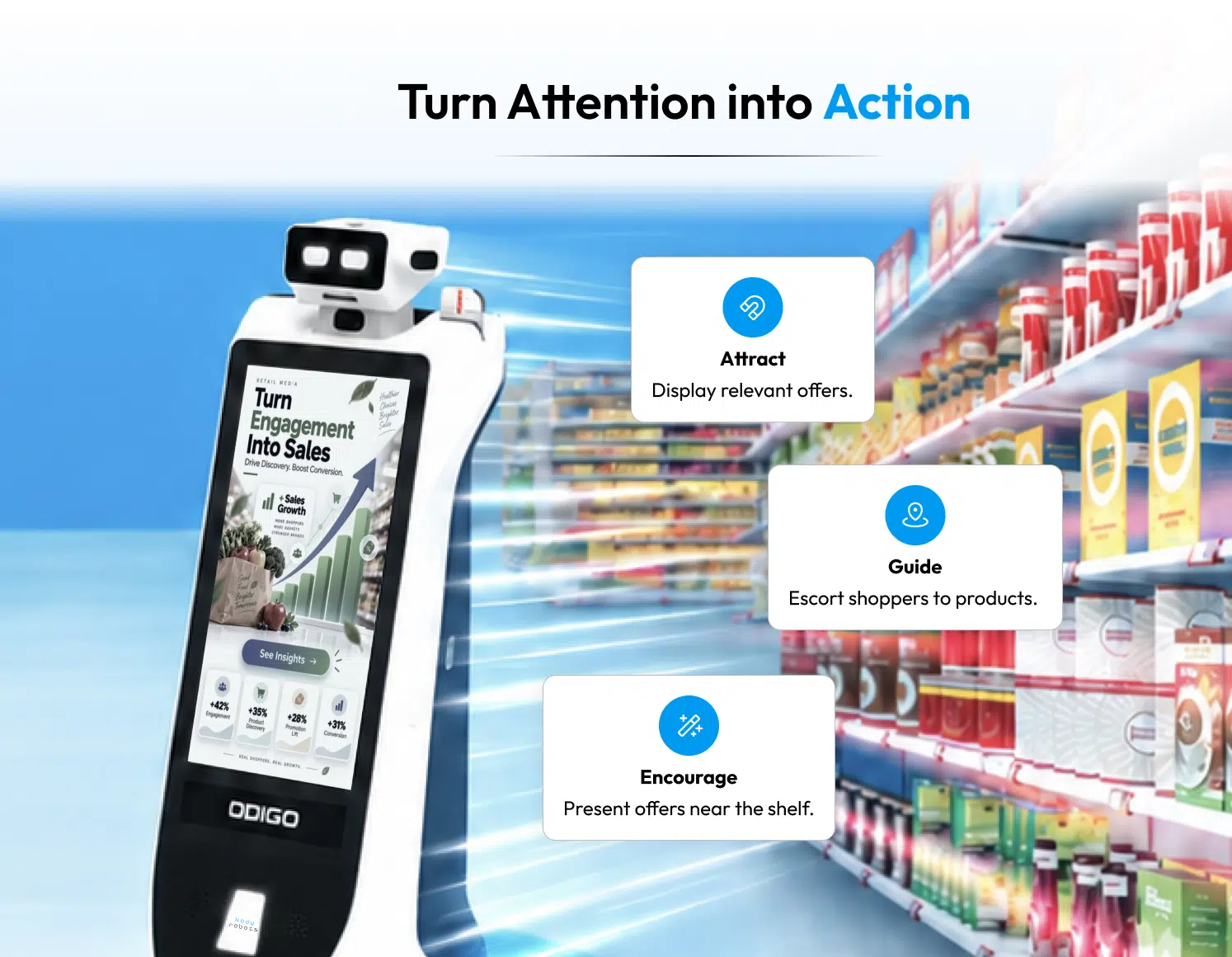
How Odigo Lifts In-Store Sales Through Advertising and Shopper Assistance
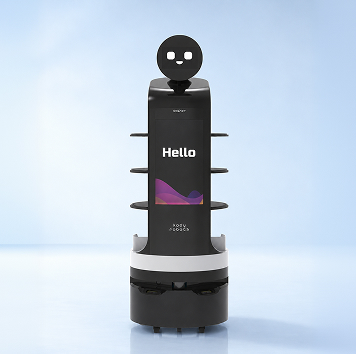
As a retail store robot, Odigo combines advertising, wayfinding, and store analytics on one autonomous platform. Dual SLAM navigation, using laser and visual sensing, moves Odigo through live aisles without floor markers, rails, or beacons. Odigo runs 10+ hours per charge, usage dependent. Robot assistance docks, charges, and resumes patrol on its own. Odigo shows how advertising robots boost sales on a live floor through four capabilities.
Deliver Dynamic In-Store Advertising
Odigo carries two 32-inch Full HD touchscreens and a 7.9-inch top display. Always-on advertising mode keeps daily offers, clearance, and seasonal campaigns running without a visitor present. “Deals Near You” serves section-specific offers based on where Odigo patrols. Campaigns schedule by zone, route, and point of interest. Content syncs locally, so playback continues through a network interruption. Brand-sponsored interactive experiences can trigger at a specific physical location. Retail media network and ad-stack integration* posts campaign telemetry back for attribution. When an advertising robot lifts in-store sales, the creative, the timing, and the location work together.
Help Shoppers Find Products and Navigate the Store
Odigo does not point. Odigo walks shoppers there. A shopper says or taps “Take me to the pharmacy,” and Odigo leads the way at a configurable pace. Multilingual voice and touch interaction detects the spoken language automatically. Shoppers need no app, no account, and no sign-in. A smart shopping list route* converts multiple items into one optimized path. Chilled, frozen, and heavy items go last. Discovery Mode routes shoppers past active sampling stations. Efficient Mode takes the fastest path.
Use Analytics to Understand Shopper Engagement
Every metric in the Odigo dashboard comes from Odigo’s own logs. Nothing requires integration with the store’s systems. Dashboards show interactions by day and week, plus top searched items. Navigation requests appear as completed versus failed. Popular destinations, language selection, and peak usage windows round out the view. Ad plays by zone, QR events, and proof-of-play exports document campaign delivery. Strong in-store robot data collection also covers uptime, route completion, and help ticket volume by zone. Marketing and merchandising teams then work from the same facts.
Retail Intelligence and Support Inventory Management
Scoped aisles and categories receive shelf availability and out-of-stock detection*. Misplaced product alerts*, wrong SKU and facing indicators*, and promotional and price label checks* join one exception-alert stream*. Associates receive a short list of shelf problems instead of walking every aisle. Queue depth readings at checkout and service counters signal a manager to open a lane. Shoppers benefit too. With inventory integration*, Odigo checks live stock, price, and promotion status. Odigo also suggests a substitution when a listed item runs out*.
* Capabilities marked with an asterisk may require system integration or deployment configuration. Availability varies by site, and all functions follow customer policies and applicable local requirements.
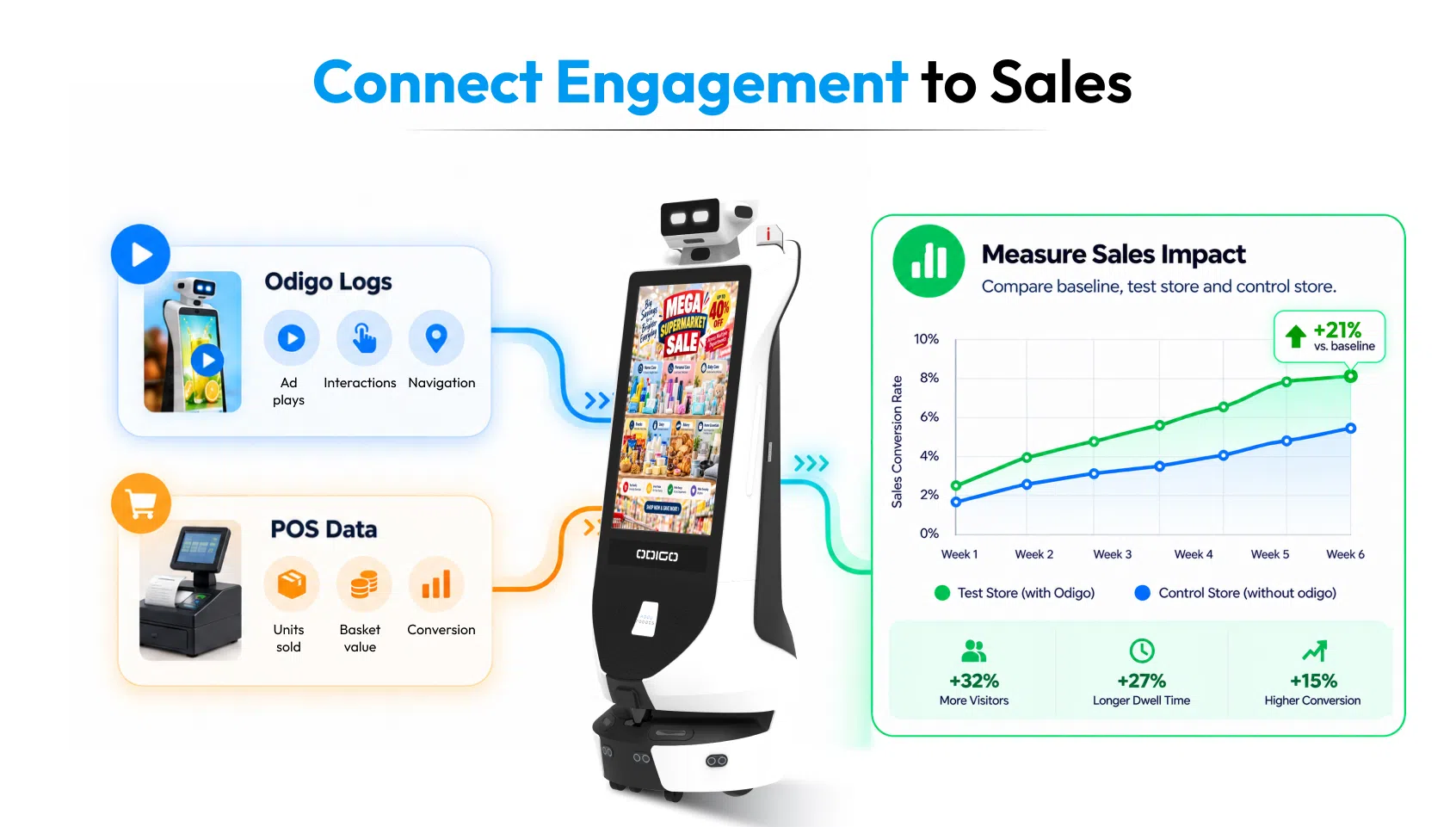
How to Measure the Sales Impact of Retail Robots
Credible measurement joins two data sets, Odigo logs and your POS data. Odigo’s logs show shopper behavior on the floor. Your POS data shows what shoppers bought. Together, the two sets reveal how a robot lifts in-store sales, or where the lift falls short. Proof of how advertising robots boost sales needs both.
Before and After Deploying Odigo: Analysis of Store Sales
Start with a baseline. Record eight weeks of store sales before Odigo goes live. Then compare matching weeks after launch. Our guide on before vs after advertising robot in retail walks through footfall, dwell, and revenue comparisons in depth. Adjust every comparison for seasons, price changes, and local events.
Track Advertising Plays and Shopper Interactions
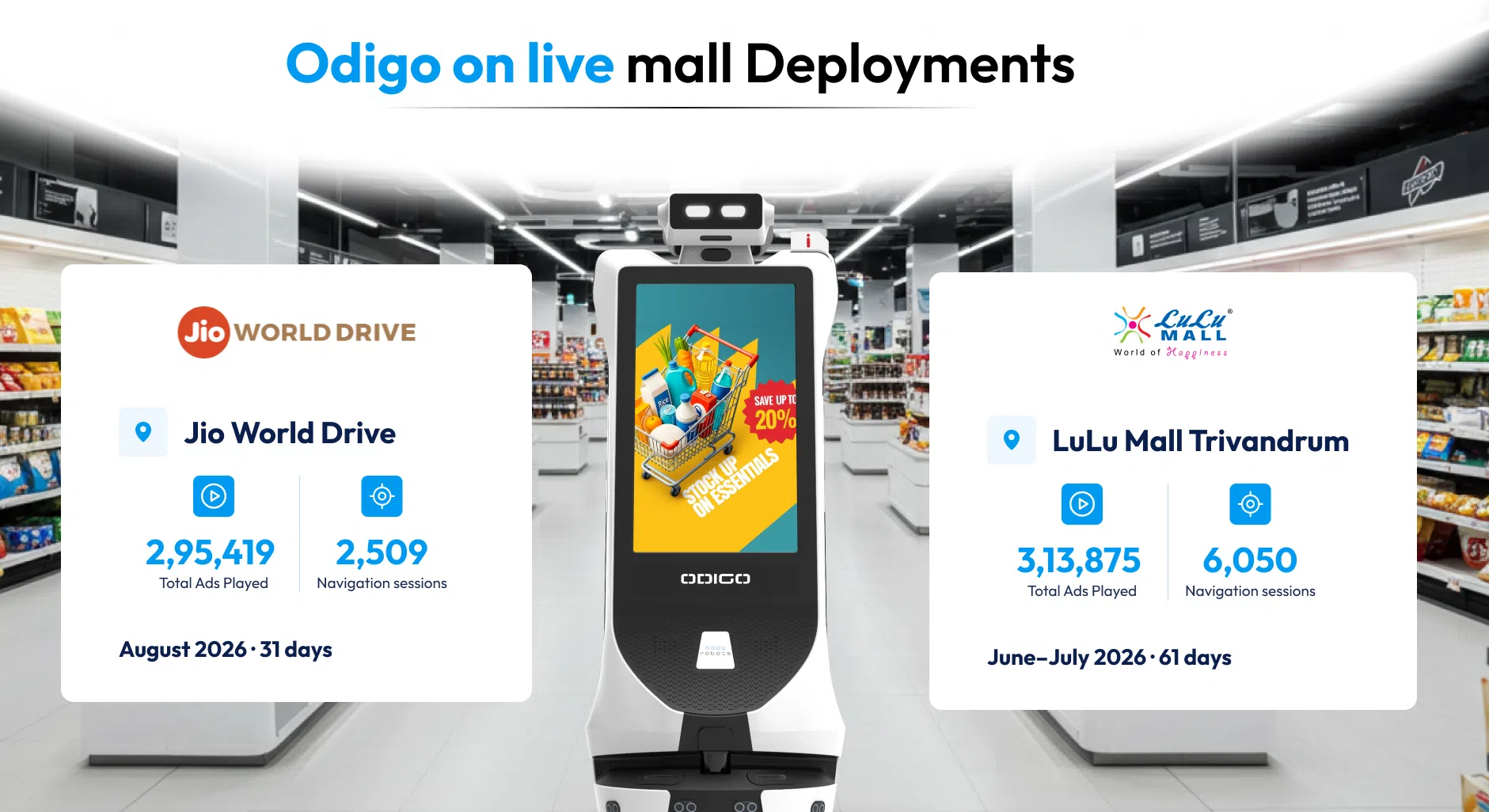
Begin with Odigo’s logs. The table shows what two live mall deployments recorded.
| Metric | Jio World Drive (Aug 2026) | LuLu Mall Trivandrum (Jun to Jul 2026) |
| Robots deployed | 3 (one per floor) | 5 (two floors) |
| Days covered | 31 | 61 |
| Shopper interactions | 18,457 | 47,350 |
| Store navigation sessions | 2,509 | 6,050 |
| Interactions that became navigations | 13.59% | 12.8% |
| Ads played | 295,419 | 313,875 |
| Distance covered | 929 km | 1,317.5 km |
| Weekend lift in daily interactions per floor | 1.2x | 2.8x |
Weekend demand differs by site, so each store needs its own baseline. At LuLu Mall Trivandrum, shoppers requested LuLu Trivandrum in 2,541 navigation sessions, 42% of all requests. Grocery anchors clearly draw wayfinding demand.
Both reports show engagement, not sales. Engagement data proves attention. Sales data proves the impact of robots in retail.
Connect Engagement Metrics With Sales Performance
Match Odigo’s zone and daypart logs against POS data for the same zones and hours. Watch four numbers: promoted SKU unit sales, basket value, conversion rate, and units per transaction (UPT). QR offer scans add a direct link between an ad and a purchase. Inventory and point-of-sale integration* is scoped to each engagement, so confirm data access early.
Map each sales lever to a log signal and a sales metric, so every comparison has a clear owner.
| Sales lever | Odigo log signal | Sales-side metric |
| Brand visibility | Ad plays by zone and daypart | Promoted SKU unit sales |
| Product discovery | Navigation sessions, completed versus failed | Conversion rate, basket value |
| Promotions near the journey | Tap and QR events | Offer redemptions |
| Inventory decisions | Shelf exception alerts* | On-shelf availability (OSA) |
| Retail intelligence | Zone traffic, dwell, top searches | Sales per square foot by zone |
This mapping connects Odigo’s engagement data with the store-level metrics needed to evaluate commercial performance. While ad plays, navigation requests, and shelf alerts show activity or operational conditions, POS data helps establish whether sales outcomes changed. The next step is to use a controlled test to assess how much of that change can reasonably be attributed to the deployment.
Evaluate Results Through Controlled Tests
A controlled test isolates Odigo’s effect. Pick two stores with similar size, traffic, and shopper mix. Deploy Odigo in the test store only. Keep pricing, staffing, and promotions identical across both stores. Then compare changes in the test store against changes in the control store. The gap between the two is the measurable sales impact of retail robots. Within one store, zone tests also work. Run Odigo promotions in one category and hold another category back.
Avoid Common Measurement Mistakes
Three errors weaken most retail tests. First, ending the test too early. Eight weeks gives cleaner signals than a single busy weekend. Second, changing prices or staffing mid-test, which muddies the comparison. Third, counting ad plays as sales evidence. Plays show delivery, while POS data shows purchases.
Example of How Odigo Will Work for You on Your Store Floor
Consider a grocery banner planning a seasonal baking promotion. The team selects a test store and a matched control store. Odigo runs “Deals Near You” offers for baking SKUs in the test store for eight weeks. The control store uses standard signage only. Store associates stay on the floor throughout, answering questions while Odigo handles routine escorts.
Afterward, analysts compare promoted SKU unit sales and other sales after the deployment of the robot, basket value, QR offer scans, and escort requests to the baking aisle. If the test store outperforms the control store, the promotion earned its lift. If not, the team adjusts creative, timing, or placement and retests.
The scenario is illustrative and uses no real results, however, the above 2 live example shows the real impact Odigo creates when deployed in real-world retail environment. You can adapt to the advertising robot for your store and influence brand visibility, engagement, and to some extent sales.
What Retailers Should Consider Before Deploying an Advertising Robot
Successful programs start with fit. If you want a successful deployment you must review seven checkpoints before signing anything.
Retail Robot Odigo Deployment Timeline and Support
Odigo needs flat, solid, indoor floors and aisles at least 1.3 meters wide. Carpet, slopes, steps, and outdoor areas fall outside the design. Chilled and freezer sections stay off the route, because Odigo runs only in ambient, climate-controlled indoor space.
Daily Maintenance and Staff Training for Retail Robots
Odigo needs basic Wi-Fi and no specialized security infrastructure. Review robot network configuration with your IT team early, since remote dashboard access depends on connectivity. Core navigation runs locally.
Advertising Content Guidelines for Retail Robots
Mapping happens while the store is open, and we schedule it around peak hours where possible. Weekly resets need no full remap. Incremental mapping updates affected areas in 30 to 45 minutes per floor.
Ad Robot Safety Zones and Navigation Restrictions
Virtual walls keep Odigo out of stockrooms, receiving areas, and freight corridors. Forklifts, pallet jacks, and carts always keep right of way. Low-profile items, such as pallet-jack forks, can fall outside sensing range.
Advertising Robot Mapping and Store Layout Updates
Share any ad approval process and restricted categories upfront, so campaigns launch without delay.
Wi-Fi and Network Requirements for Advertising Robots
Basic associate training covers content uploads, routes, and monitoring. A short daily checklist covers battery level, sensor cleaning, wheels, and screen content.
Floor and Aisle Requirements for Retail Robots
Typical go-live arrives 20 to 24 days after order confirmation. Software support stays available virtually at all times, and preventive maintenance runs every three weeks.
Programs fail when planning skips the basics. Our analysis of why retail robots fail covers the most common gaps.
Turn In-Store Attention into a Measurable Retail Strategy
Attention has value only when someone measures where the attention goes. Odigo turns shopper attention into three measurable streams: ad plays, interactions, and navigations. Add POS data, and each stream links to a sales outcome. Retail teams stop guessing which promotion worked and start testing which promotion worked best. Teams that see how advertising robots boost sales in their own stores make better rollout decisions. Review specifications, features, and deployment options on the Odigo robot assistant page. Book an Odigo demo to explore how the robot could support your store’s advertising, product discovery, and shopper engagement goals. Our team can discuss your floor plan, deployment requirements, and how to structure a controlled pilot to measure local sales impact.
Measuring the Real Sales Impact of Advertising Robots
Retail sales gaps hide between the entrance and the checkout. Visibility, discovery, and timely promotions close the gap, and an advertising robot works on all three. The open question is how a robot can grow in-store sales in your specific stores. A controlled store-level test supported by POS data provides more relevant evidence of local sales impact than a benchmark alone. Which zone in your store loses the most shoppers today? Start there, and let the data guide the rollout. Explore the full portfolio at Kody Robots, then book an Odigo demo for your store.
FAQ – How Advertising Robots Boost Sales
Still have questions about how advertising robots boost sales? Explore how Odigo helps retailers connect shopper engagement, product discovery, and promotional activity with measurable in-store sales outcomes.
1: Can you explain how advertising robots boost sales in practice?
Advertising robots lift sales three ways: showing targeted offers, leading shoppers to products, and reporting engagement data. Retailers then link engagement to POS results to confirm the gain.
2: How does Odigo work alongside store associates?
Odigo extends your team. Odigo handles routine questions and escorts, so associates spend time on shopper conversations that need product expertise. Store ops teams keep control of content, routes, and speed through a PIN-protected operator panel.
3: Which metrics prove advertising robot sales impact?
Track promoted SKU unit sales, basket value, conversion rate, and QR offer scans. Pair each metric with Odigo’s ad-play, interaction, and navigation logs for the same zones and hours.
4: Can Odigo operate in chilled or freezer sections?
No. Odigo needs ambient, climate-controlled indoor space and flat floors. Aisles must measure at least 1.3 meters wide. Virtual walls keep Odigo out of any area you restrict.
5: How quickly can a store go live with Odigo?
Typical timelines run 20 to 24 days from order confirmation. Delivery takes about 15 to 17 days. Mapping and testing take 5 to 7 days on site.
6: How do retailers connect Odigo data to POS sales?
Proving how advertising robots boost sales needs two data sets. Odigo’s logs require no customer integration. Linking sales requires inventory and POS integration*, scoped to your engagement and IT policy. A test store against a control store offers a practical starting point.
7: How many Odigo units does a store need?
Four factors drive the number: sales-floor area, high-traffic zones, advertiser count, and operating hours versus battery runtime. Each unit runs 10+ hours per charge. Longer trading days may call for two units in rotation. Jio World Drive runs one Odigo per floor, and LuLu Mall Trivandrum runs five across two floors. Our team confirms the right number after reviewing your floor plan.
8: Is Odigo safe around shoppers and carts?
Odigo combines a 2D LiDAR with 270-degree scanning and a forward depth camera. Ultrasonic sensors catch low, transparent, and reflective obstacles. In crowds, Odigo slows and re-routes instead of stopping dead. Anti-fall sensing guards stair edges and level changes. A red emergency stop halts all functions immediately. Virtual walls keep Odigo clear of freight corridors and forklift areas.
9: Does Odigo keep working if the store Wi-Fi drops?
Core navigation and on-site functions run locally, so Odigo built by Kody Robots keeps moving. Ad content syncs to the unit, and playback continues through a network interruption. Remote dashboard access and connected services need a live connection. Basic Wi-Fi is the only network requirement.
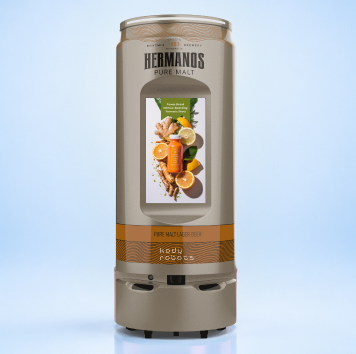
10: Can Odigo run different brands and promotions in different parts of the store?
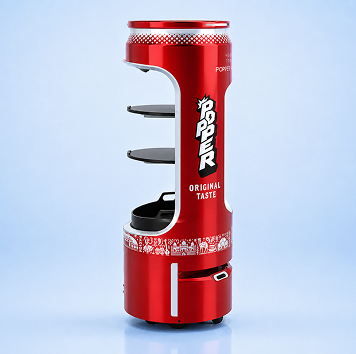
Yes. Odigo schedules campaigns by zone, route, and point of interest. Each unit can run a different brand in a different aisle. Store teams push updates remotely, with no site visit.